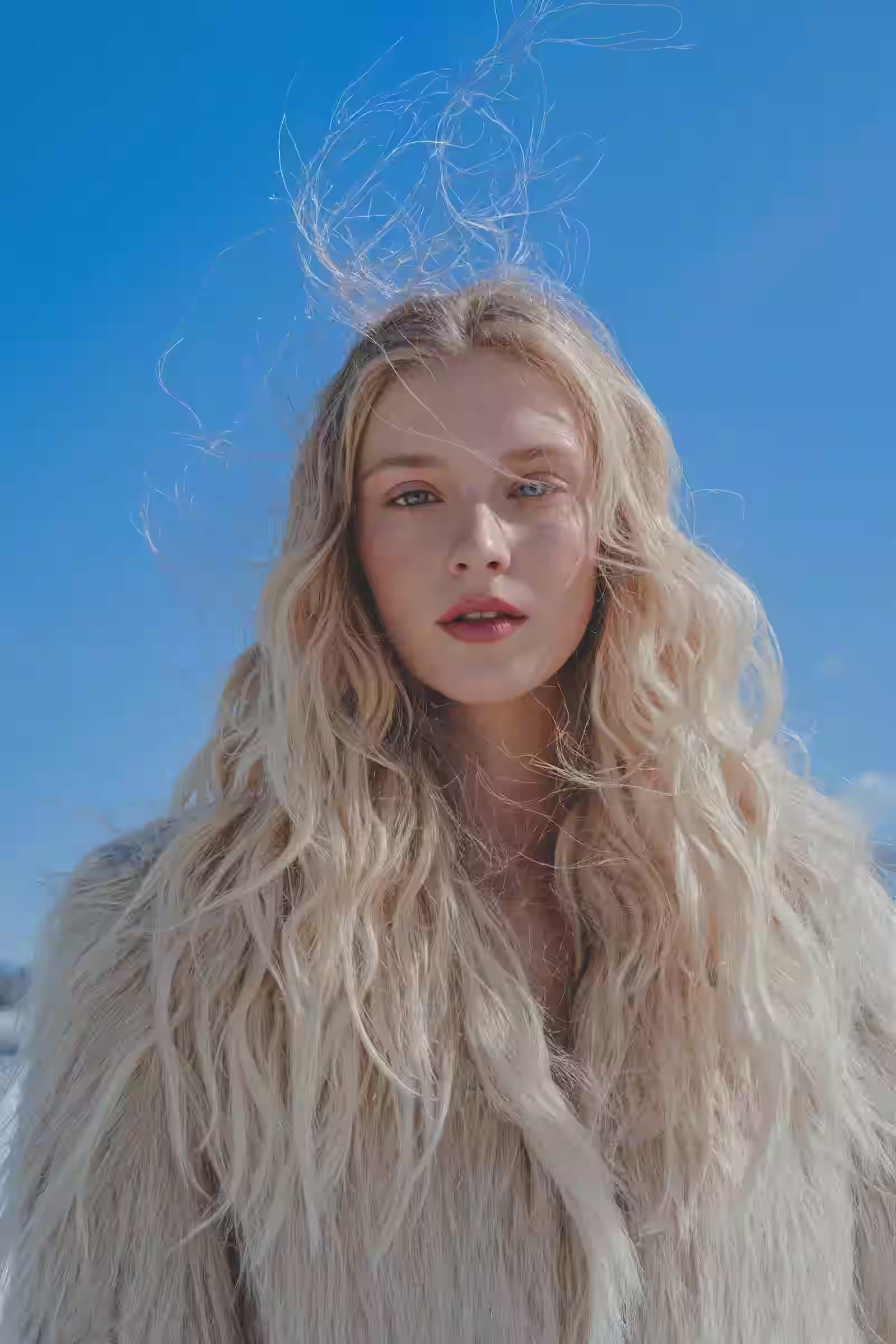
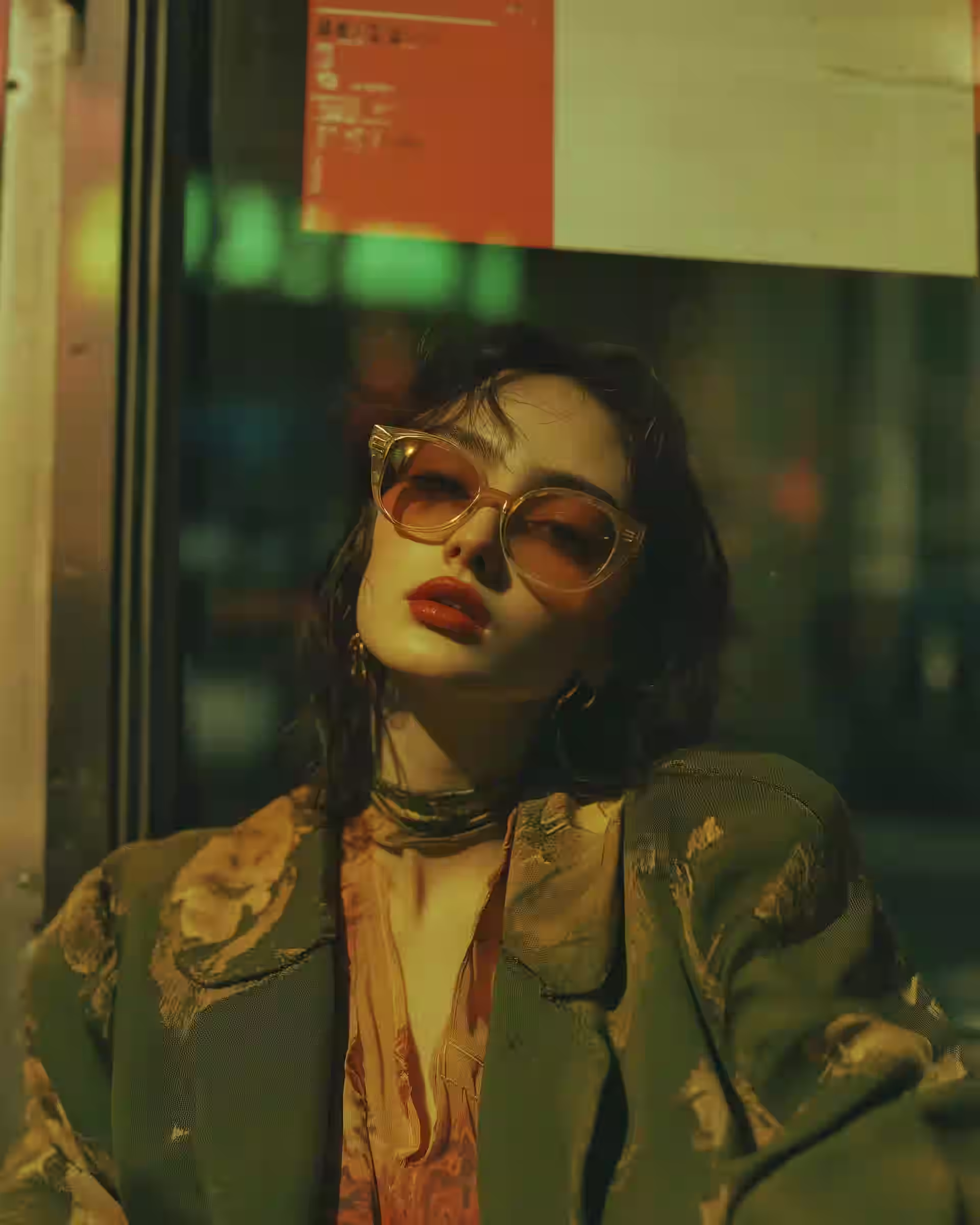
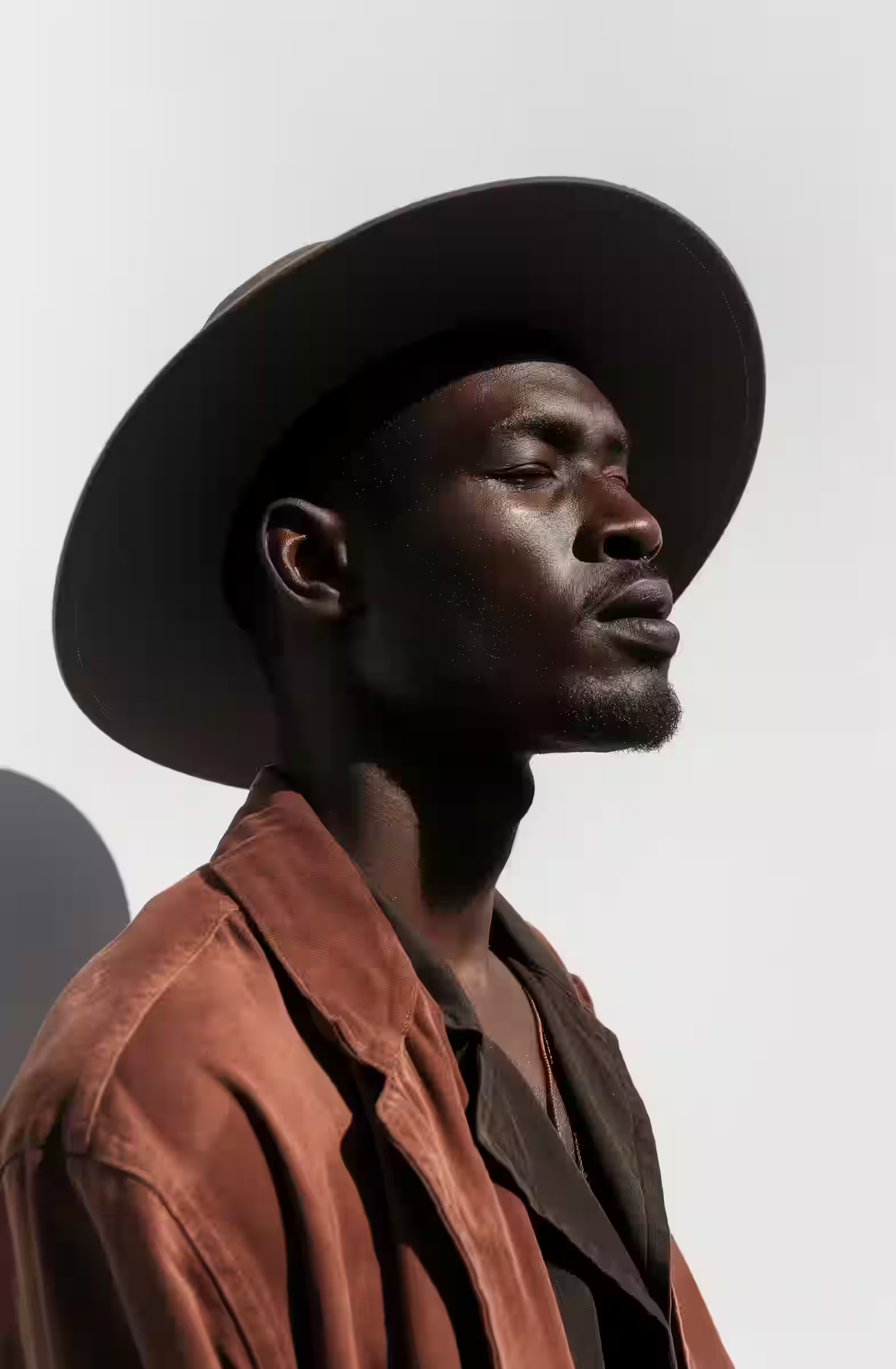
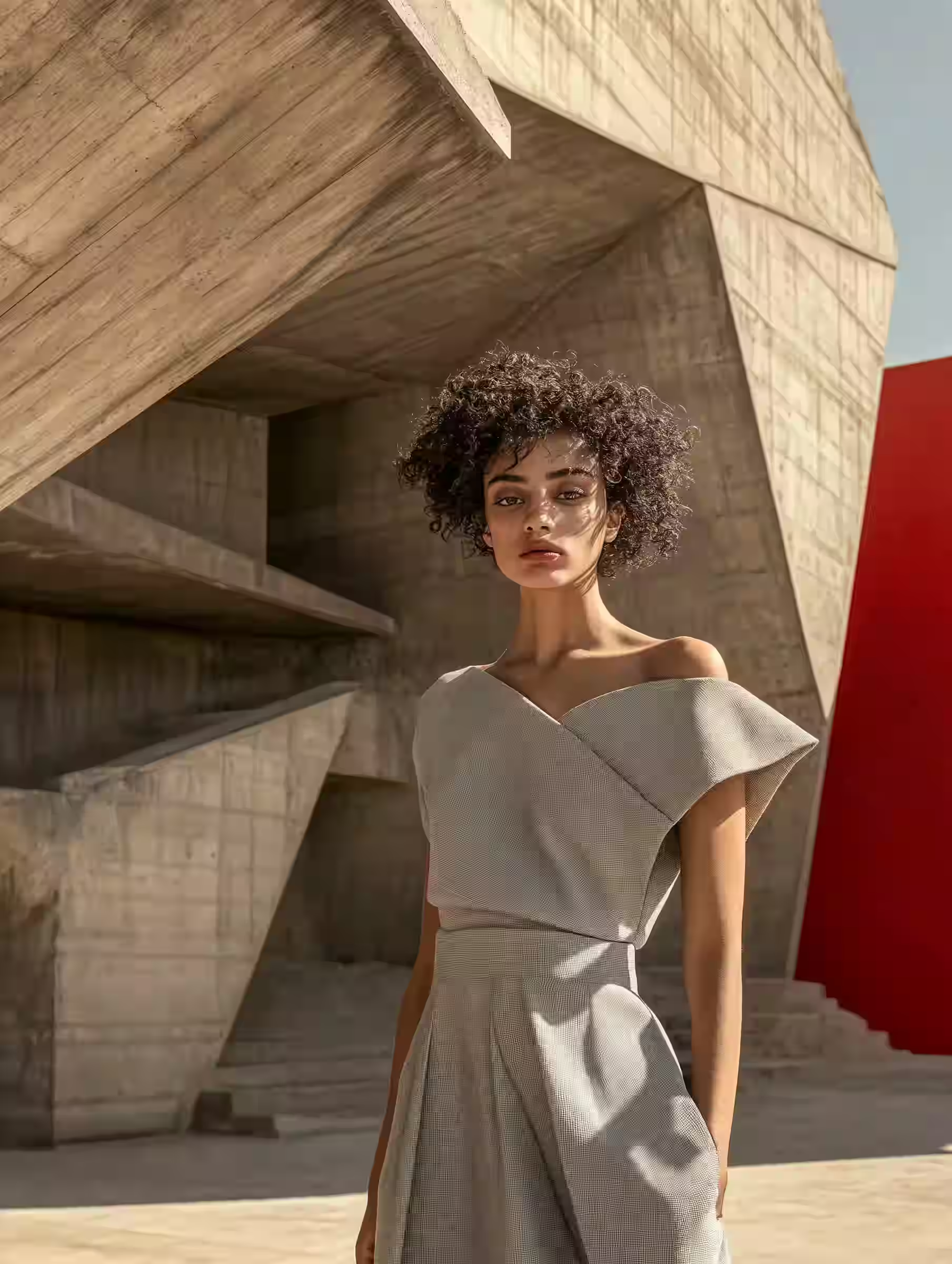
Image · Video · 3D
Type a prompt or drop in a file, pick a model, and watch the results land in your gallery.
Browse free · 37 models· 10 tools
Example outputs
Runs on
Nano Banana Lite · Nano Banana · +5
GPT Image 2.5 Flare · GPT Image 2.5 Sunburst · +2
Flux Schnell · Flux Kontext Pro · +1
Seedream 5.0 Lite Edit · Seedream 4.5 Edit · +1
Tripo H3.1 · TripoSR · +1
Grok Imagine · Grok Imagine Edit
Kling Motion Control Standard · Kling Motion Control Pro
LTX 2.3 Audio to Video
Meshy 7.1
Hunyuan 3D Pro
+7 more/Alibaba · Bria · Ideogram · Clarity · Topaz Labs · VEED · Hyper3D
(01)What you can make
(02)How it works
01
Write what you want to see. Tools that start from media take an image, a clip, or an audio track.
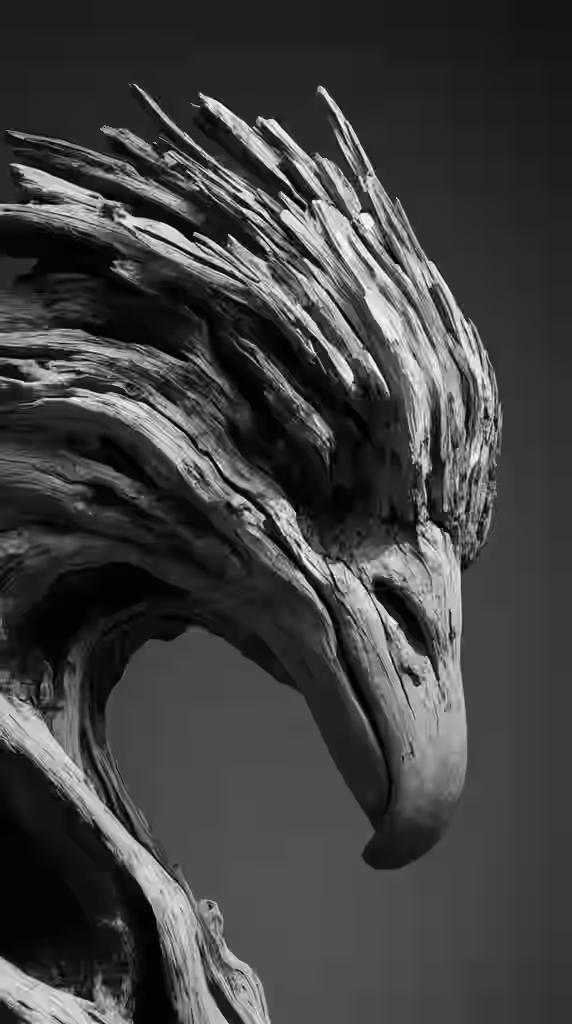
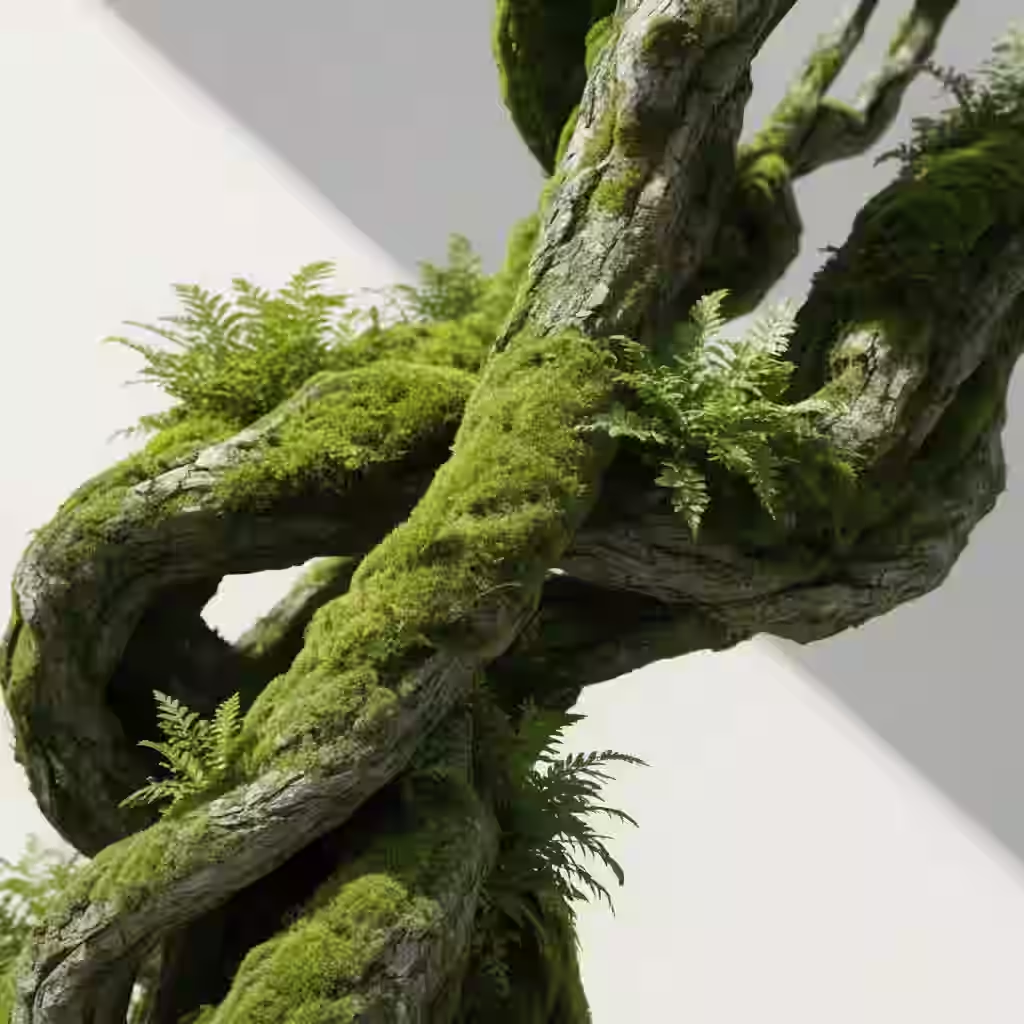
Moss-covered branch twisting on a white studio backdrop
02
Each tool lists the models it runs. Once you're signed in, the credit cost shows before you press Generate.
Moss-covered branch twisting on a white studio backdrop
03
Jobs run side by side. Queue the next one while the first is still rendering.
Lotus-shaped timber pavilion on a still lake at dusk
Generating
0:00Moss-covered branch twisting on a white studio backdrop
Fluffy black kitten, huge yellow eyes, mustard backdrop
Queued
0:0004
Download the file, or send it to another tool: animate a still, turn it into 3D, or upscale it.
Moss-covered branch twisting on a white studio backdrop
(03)Chain tools
Every result has a Use as input button. Send a still to Image to Video as the first frame, or to Image to 3D as the source, without downloading and re-uploading.
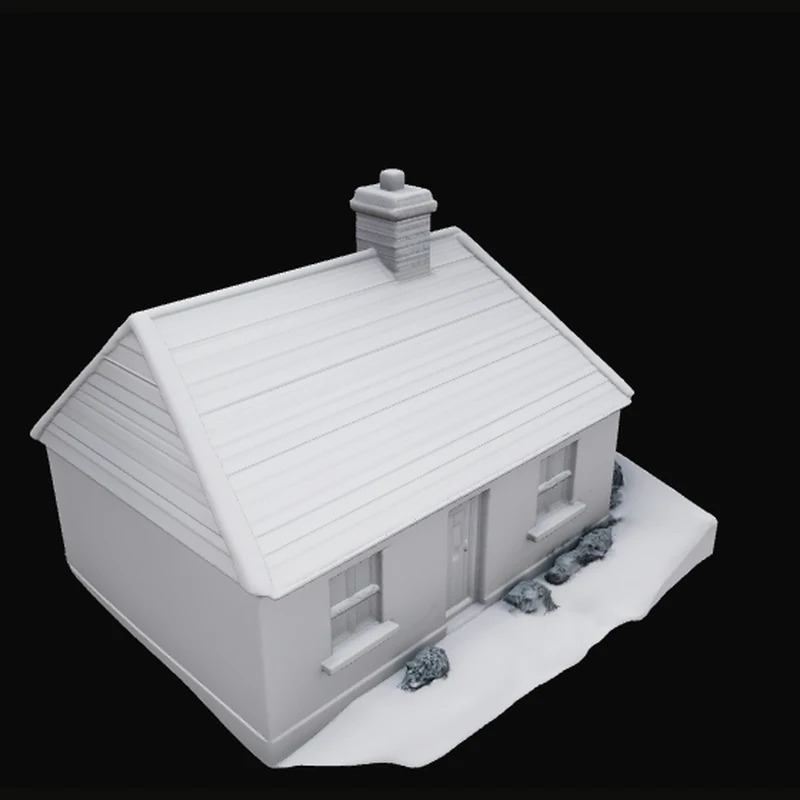
(05)Made in the studio
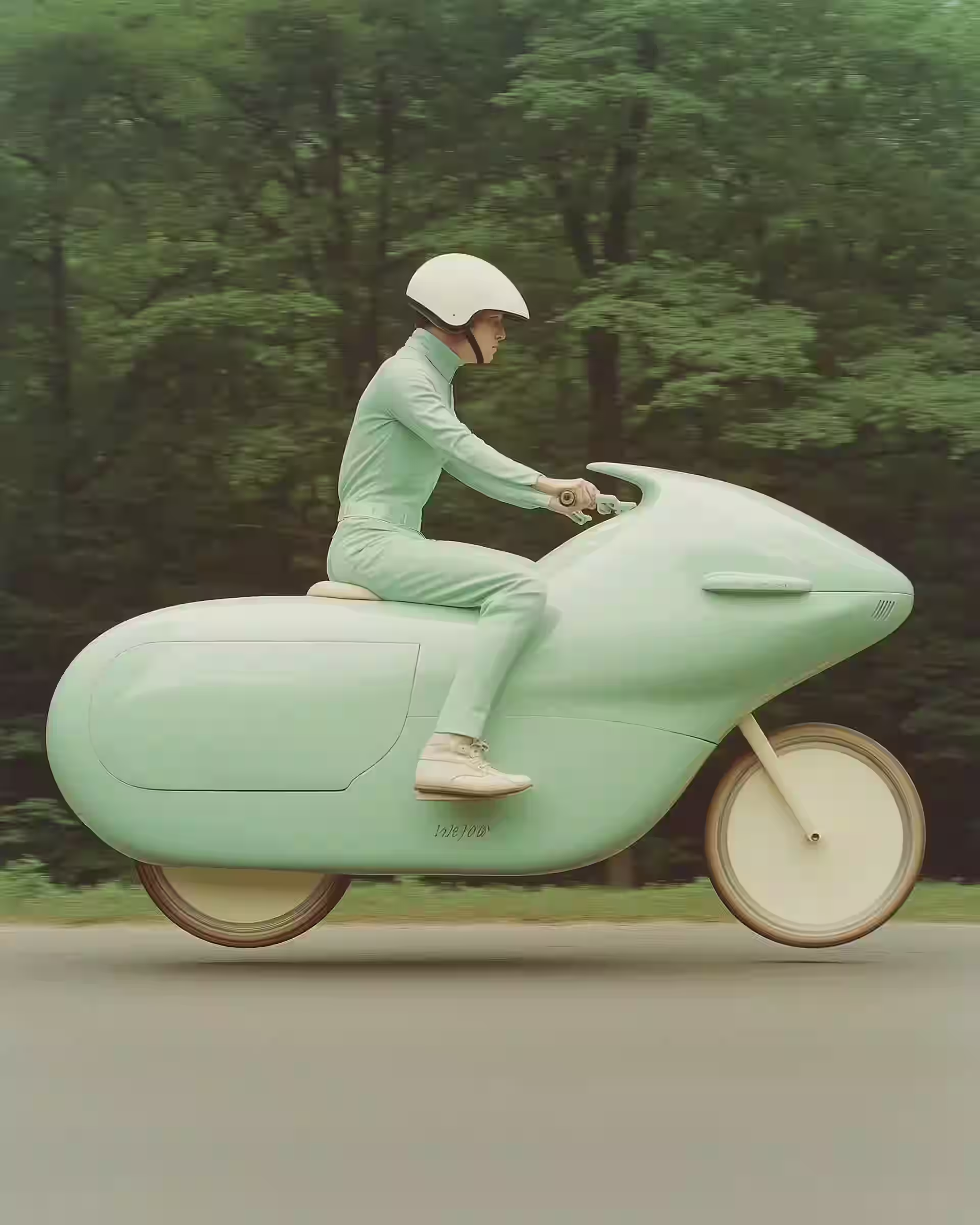
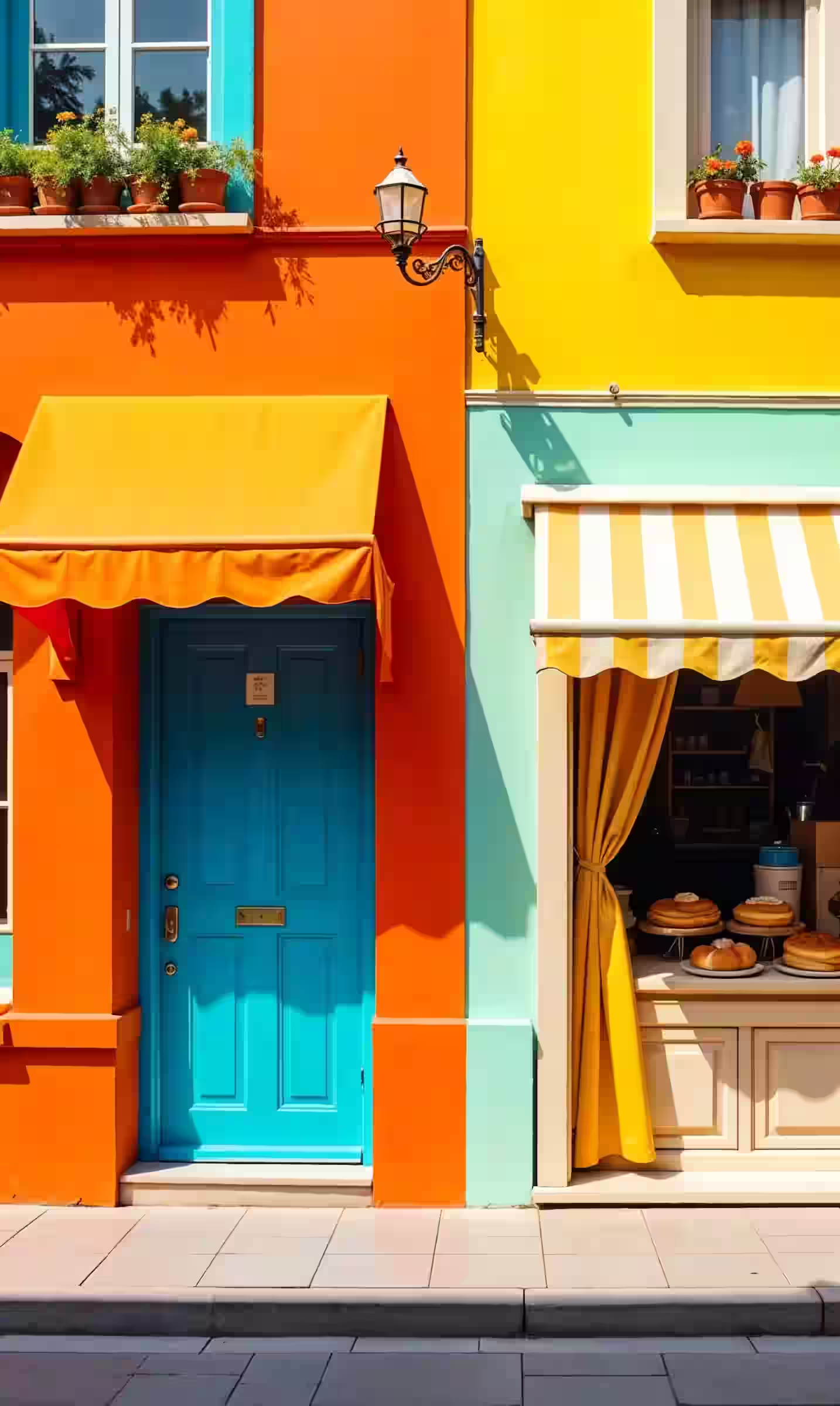
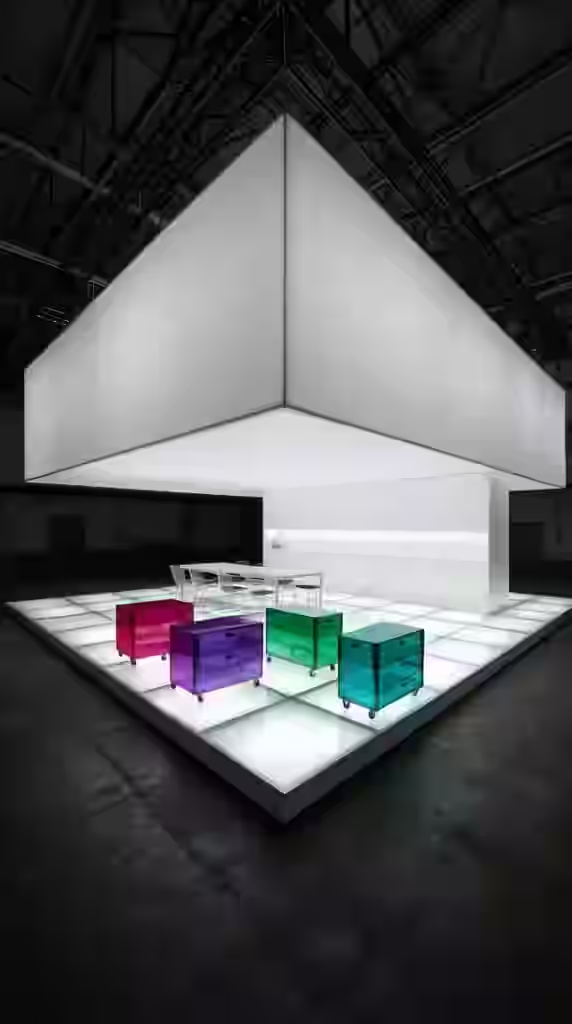
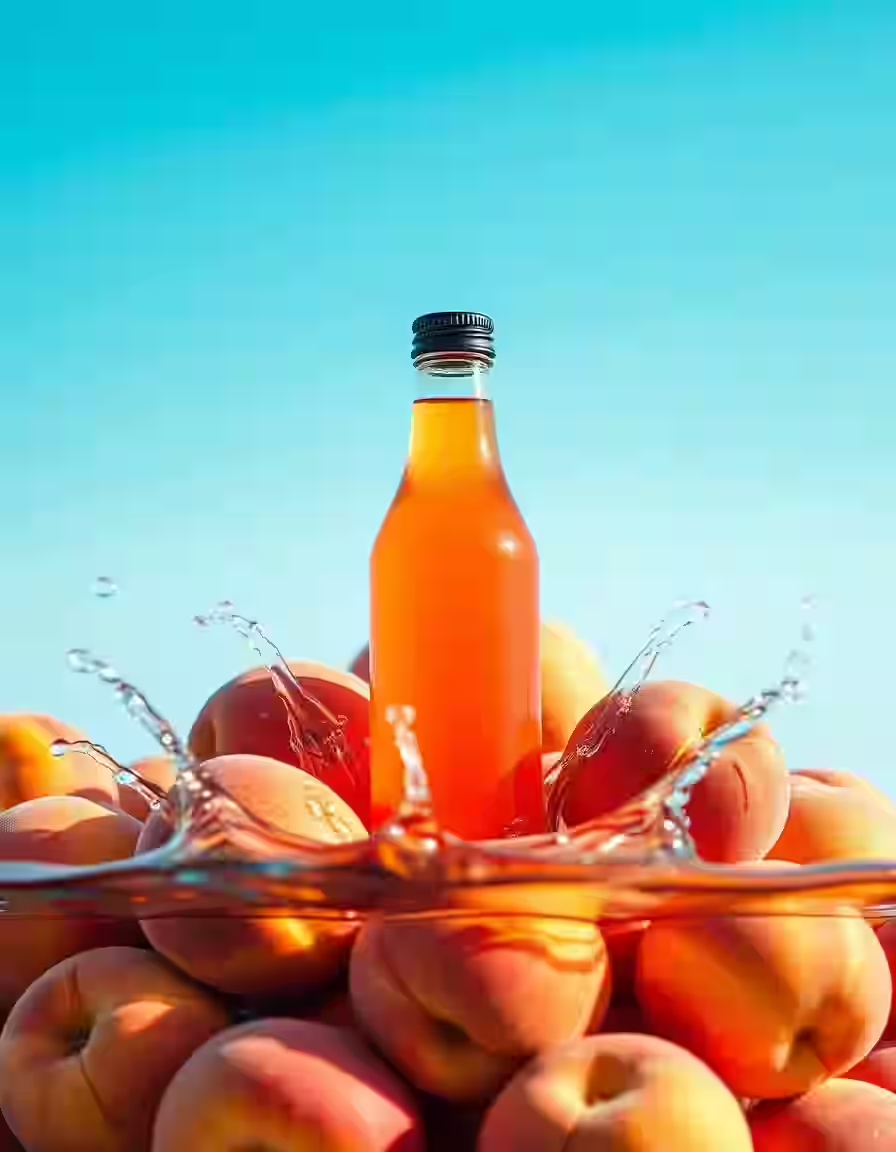

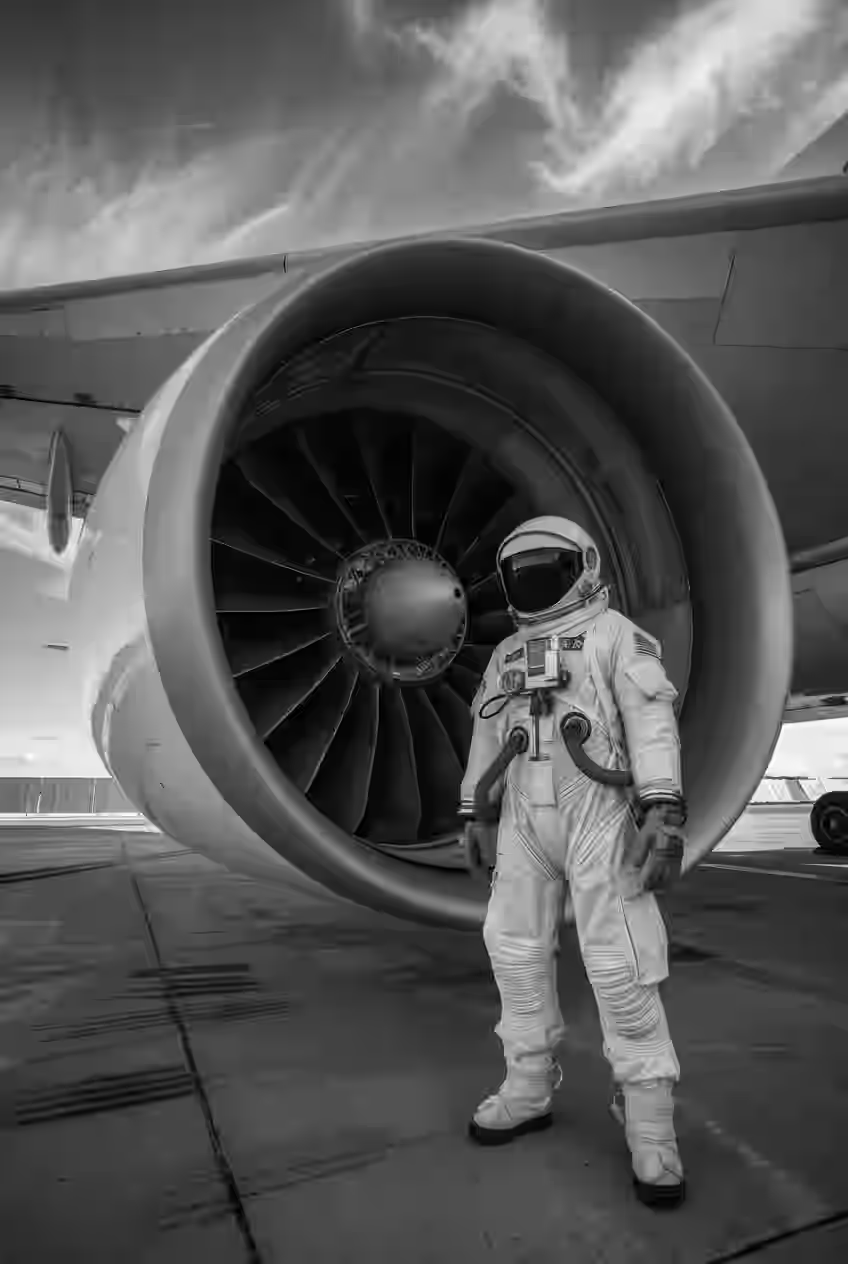
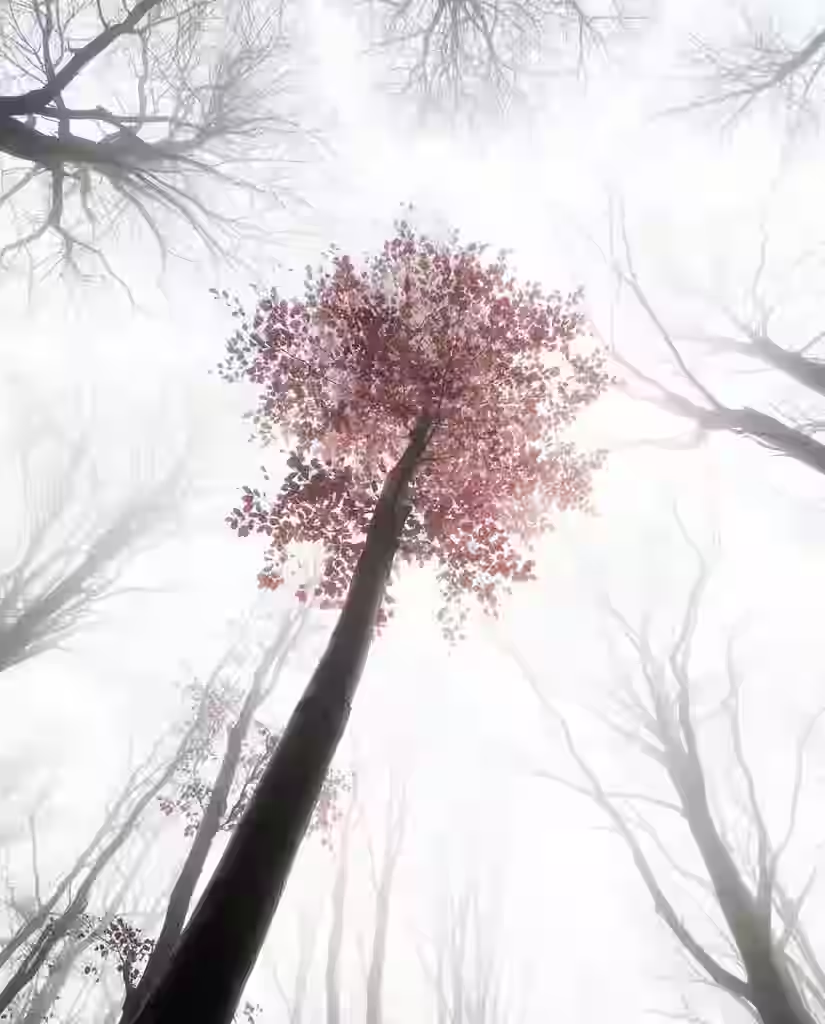
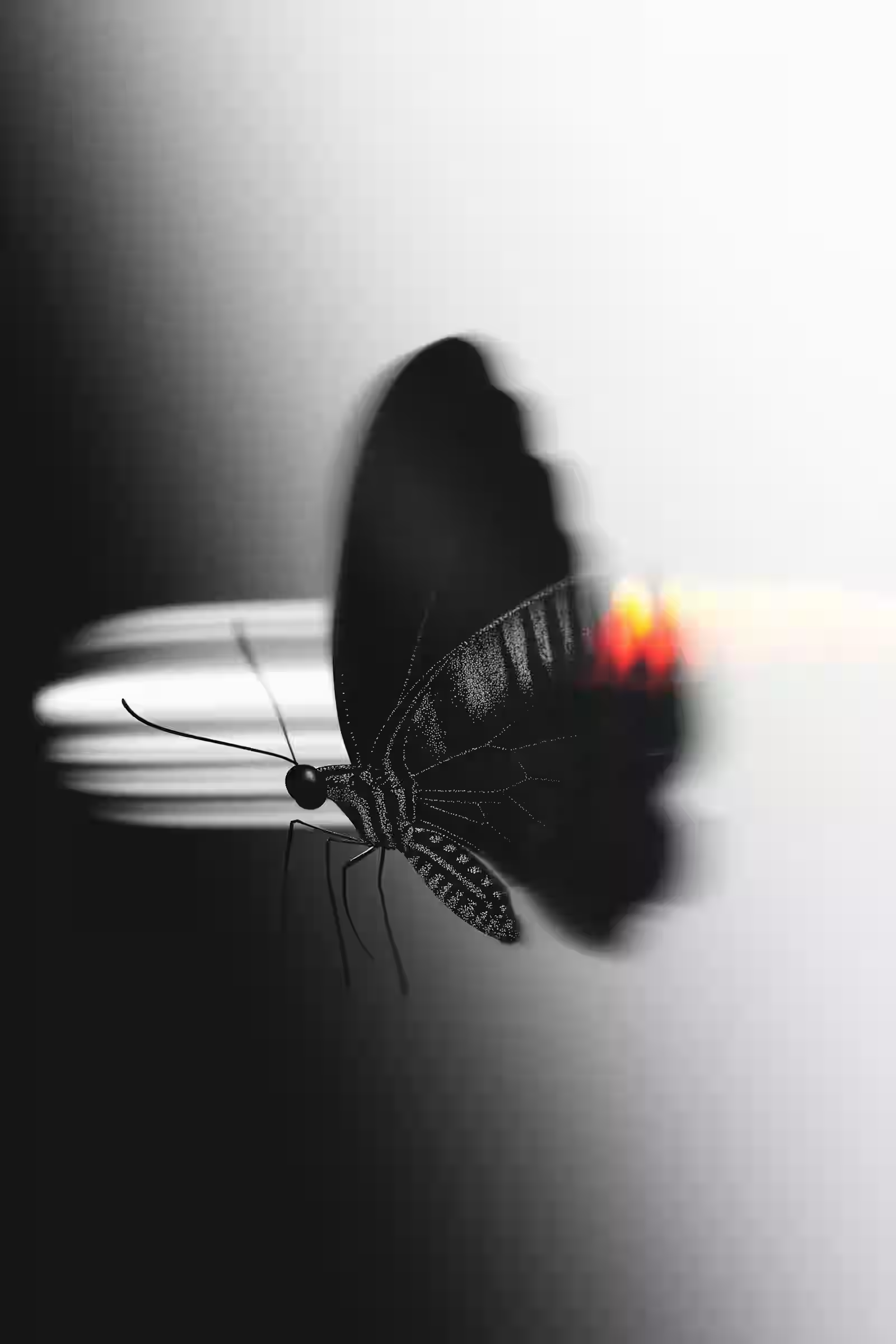
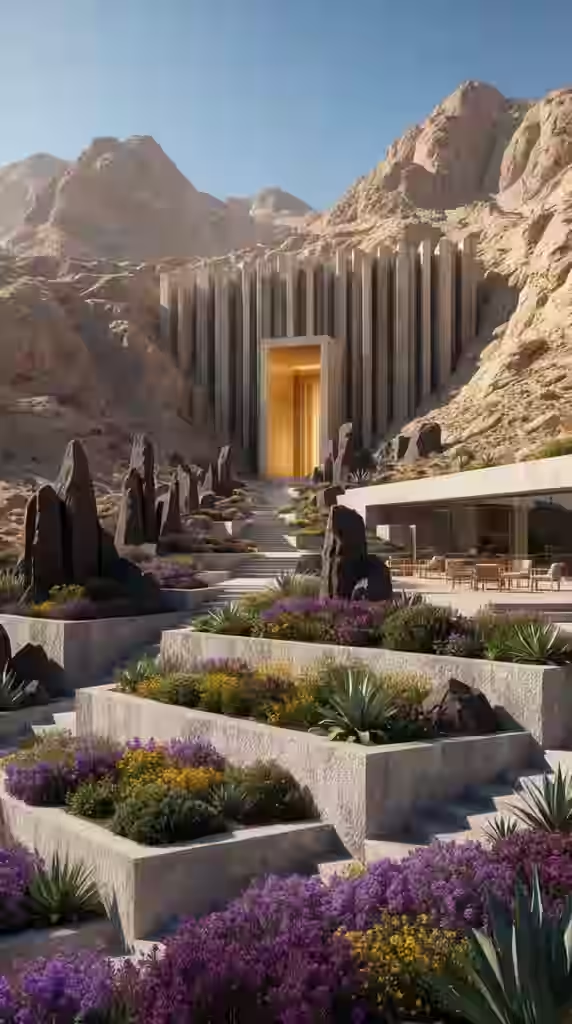
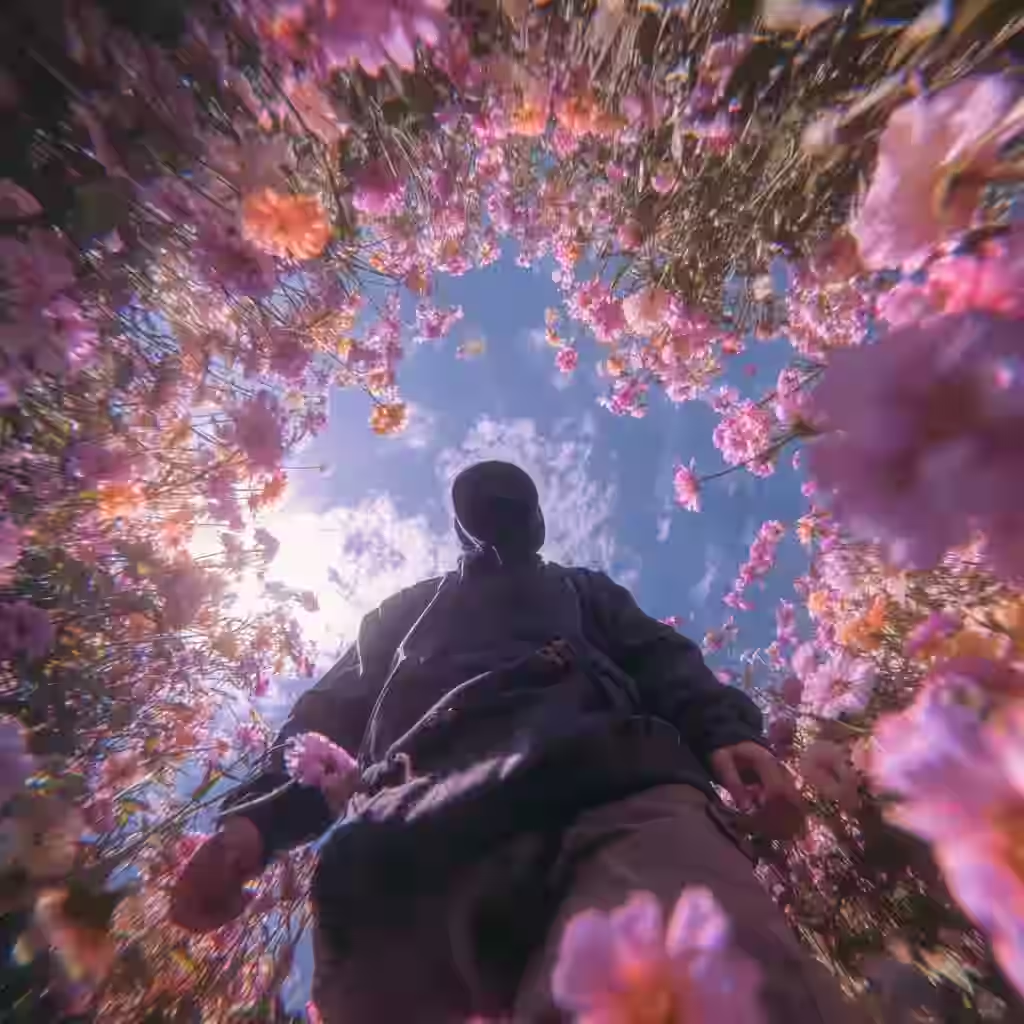
(06)All tools
(07)Pricing
Every plan gets a monthly pool of credits to spend on any tool and any model, in any mix.
$9/ month
1,200 credits every month
For trying the studio and light image work.
$24/ month
3,500 credits every month
Everyday image work plus room for video.
$79/ month
12,000 credits every month
For heavier video and 3D production.
Rough guide at base settings. Exact cost depends on the model and settings you pick.
See pricing(08)FAQ
trendshiftlabs is an AI generation studio for images, video, and 3D content. Image, video, and 3D studio tools are available after sign-in.
Live image models include Flux Schnell, Nano Banana Lite / Nano Banana / Nano Banana 2 / Nano Banana Pro, Grok Imagine, and GPT Image 2.5 (Flare and Sunburst) for text-to-image, plus multiple image editors (Seedream, Nano Banana Edit, Flux Kontext / Flux 2 Pro, GPT Image 2.5 Edit, Grok Imagine Edit, and background removal). Live video models include Wan 2.2 and Wan 2.7 (text and image to video), LTX 2.3 (audio to video), Kling Motion Control, and VEED Lipsync (video to video). Live 3D models include Tripo H3.1, Meshy 7.1, Hunyuan 3D Pro, Hyper3D Rodin, TripoSR, and TripoSplat.
Yes. Text-to-image is available in the studio after sign-in. Open the Text to Image app, write a prompt, adjust settings, and generate. Outputs are saved to your gallery.
Yes. Text-to-video and image-to-video use Wan 2.2 and Wan 2.7, audio-to-video uses LTX 2.3, and video-to-video uses Kling Motion Control and VEED Lipsync, after sign-in. Text-to-3D and image-to-3D use Tripo, Meshy, and Hunyuan models in the studio.
You can create a free account and browse every studio tool. Generating spends credits from a paid plan (Starter, Creator, or Pro) listed on /pricing. Sign in first so checkout and credits attach to your account.
Visit /contact on the website, or reach us on Instagram (@trendshiftlabs), X (@trendshiftlabs), and Reddit (u/trendshiftlabs).
Browse the studio free. Generating uses credits from a plan.