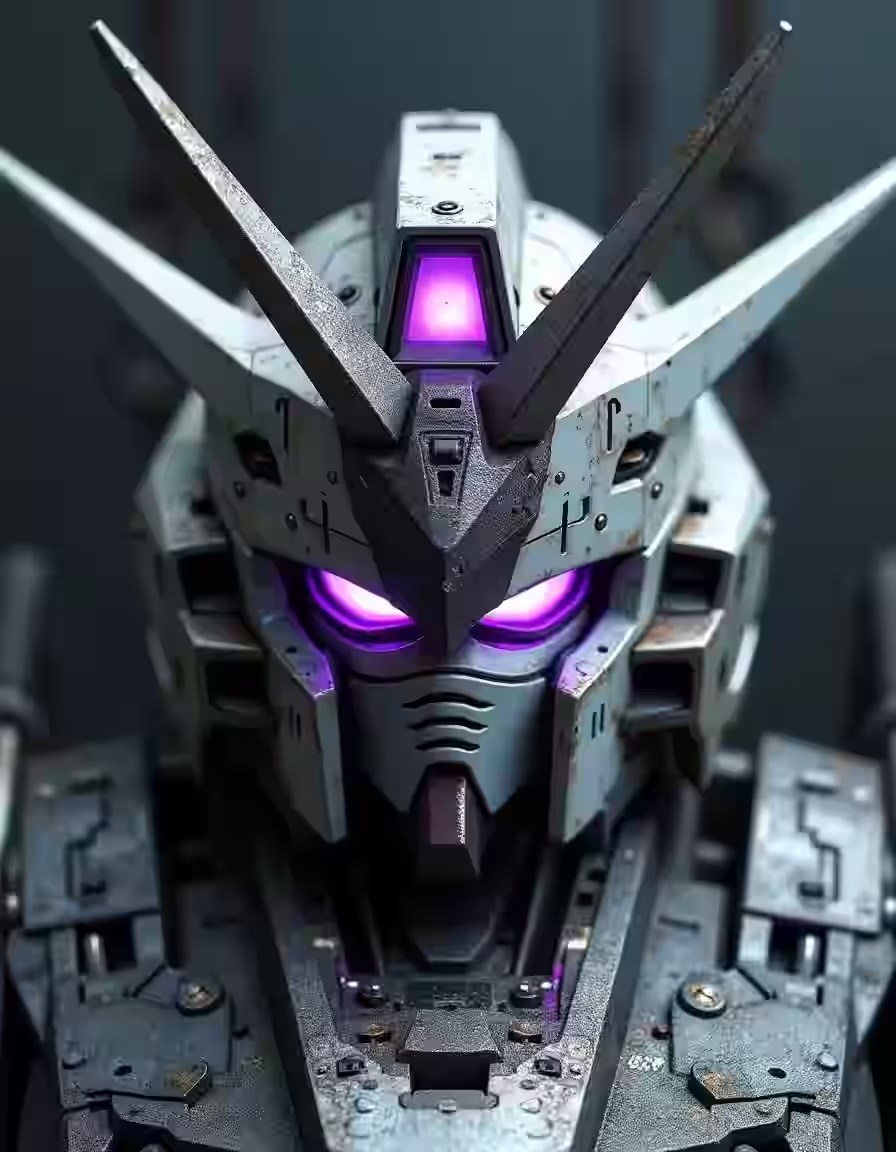
text → image
Text to Image
Turn prompts into images.
Flux Schnell, Nano Banana Lite+6
8 modelsOpen app: Text to Image
Features
trendshiftlabs is one studio for image, video, and 3D. Each tool below takes a prompt or a file you already have and returns something you can download.
Pages explain who the tool is for, how to get a usable first pass, and when another tool is the better open. Browse free. Generating spends credits on a Starter, Creator, or Pro plan.
(01)Tools
4 tools · 23 models
Stills from a prompt or a reference, cut out, or enlarged.
text → image
Turn prompts into images.
Flux Schnell, Nano Banana Lite+6
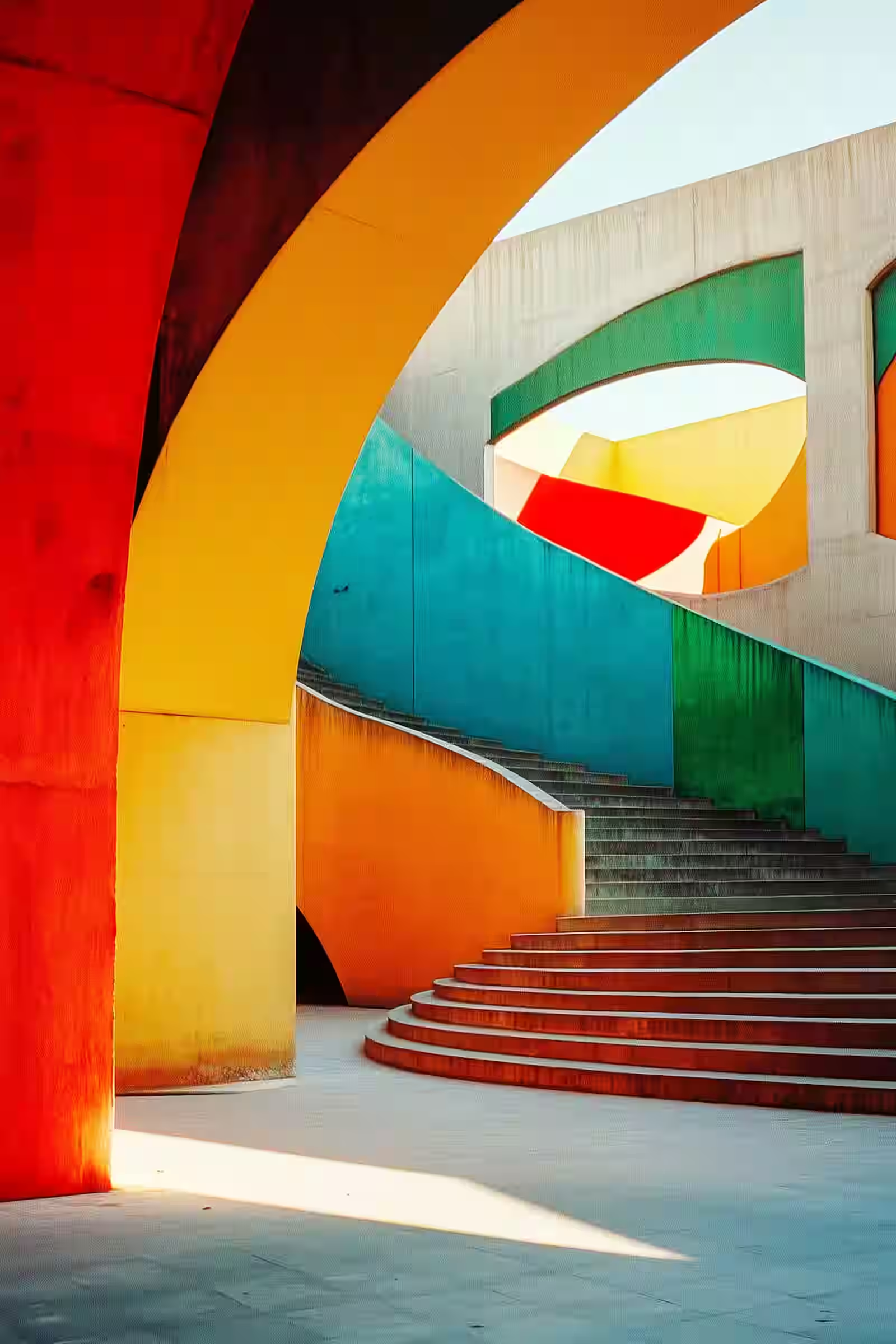
image → image
Transform existing images with AI.
Seedream 5.0 Lite Edit, Nano Banana Edit+10
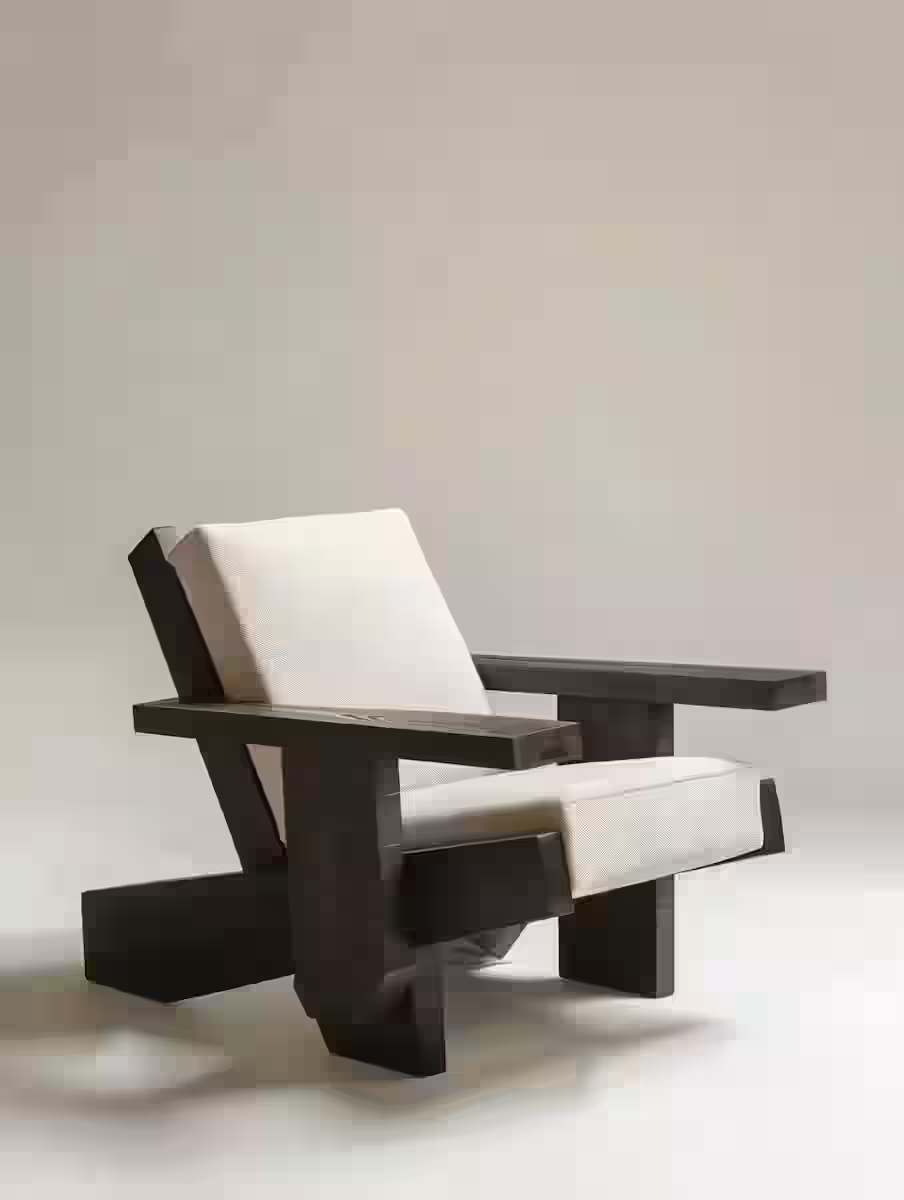
image → image
Erase image backgrounds automatically.
Bria Background Remove, Ideogram Remove Background
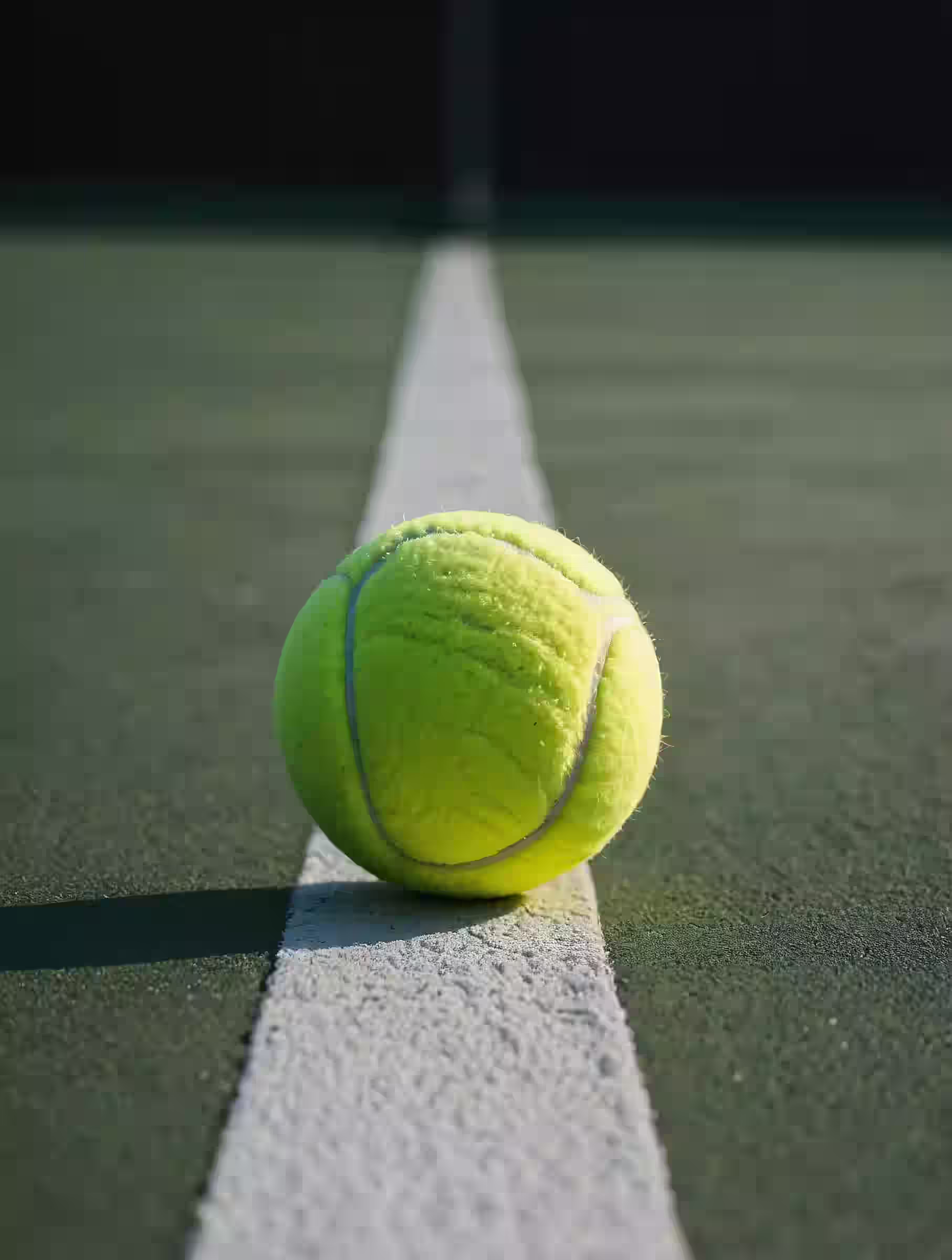
image → image
Upscale and enhance images with AI.
Clarity Upscaler, Topaz Upscale
4 tools · 6 models
Short clips from a prompt, a still, an audio track, or another video.
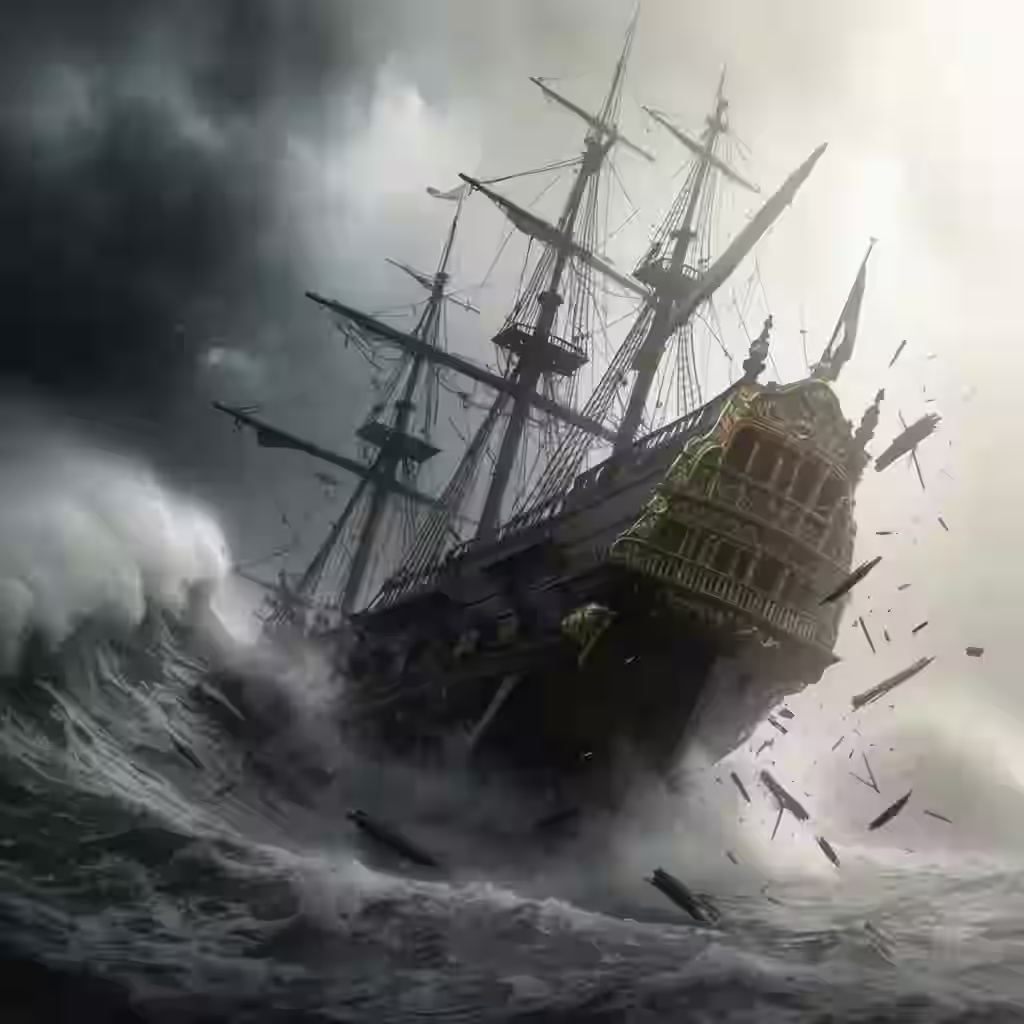
text → video
Generate short clips from prompts.
Wan 2.2, Wan 2.7
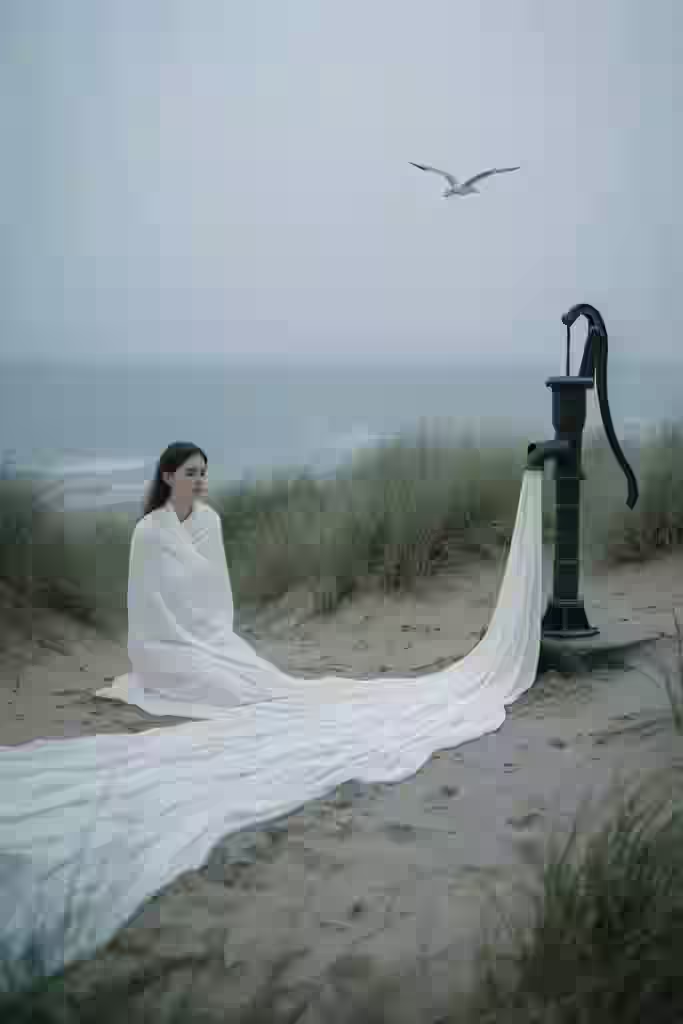
image → video
Animate a source image into video.
Wan 2.2, Wan 2.7
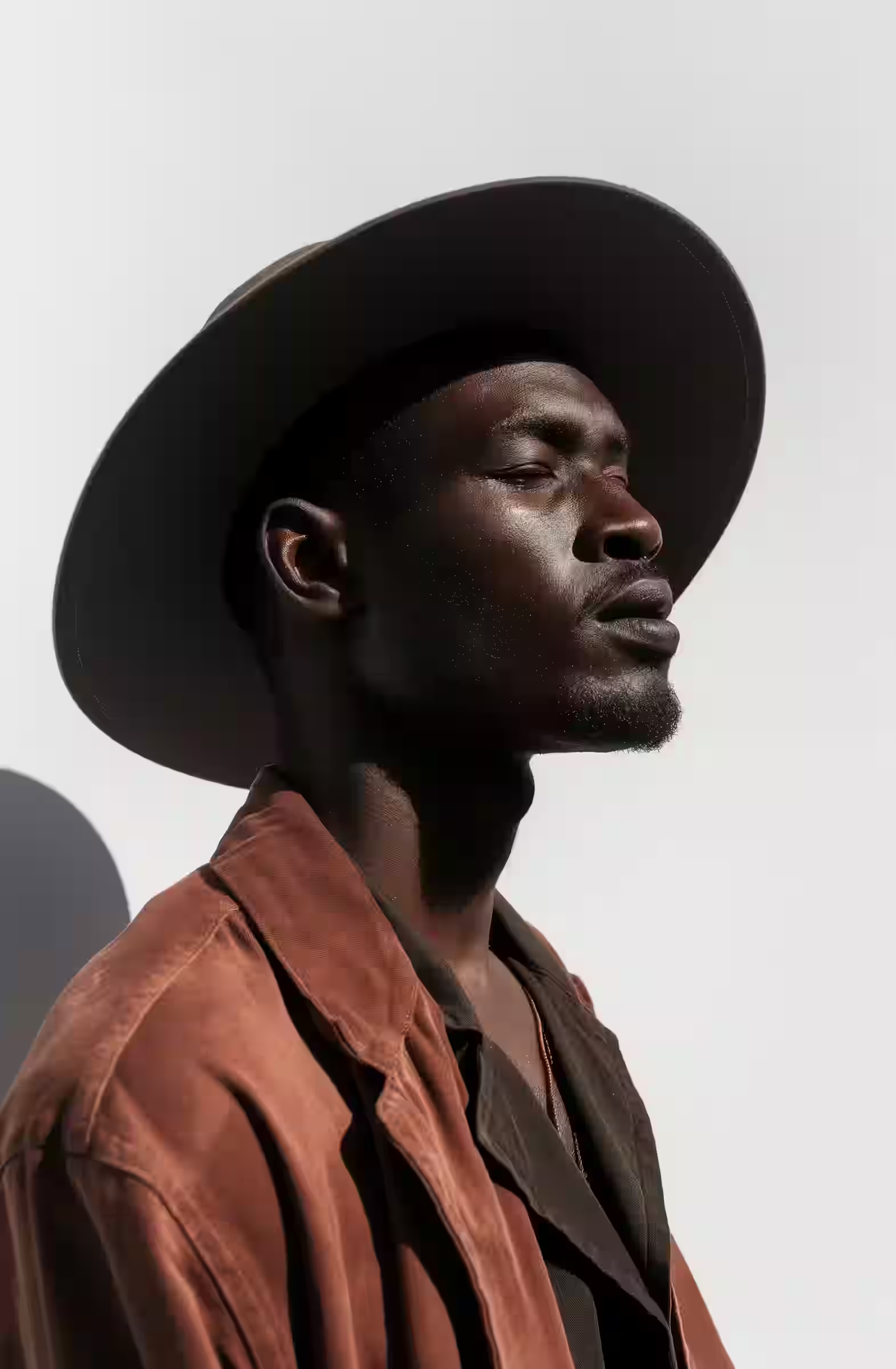
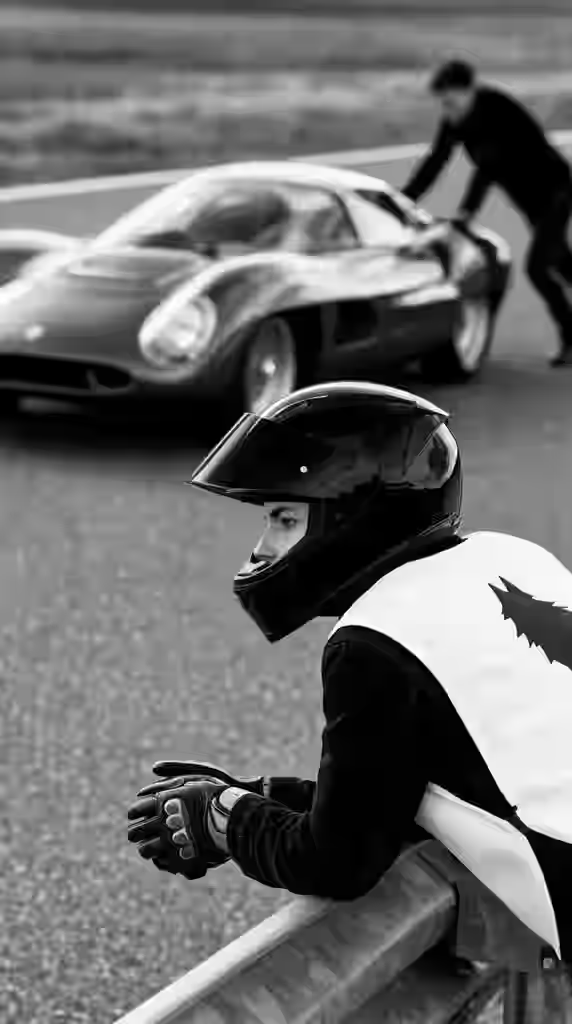
video → video
Transform existing videos with AI.
Kling Motion Control Standard, Kling Motion Control Pro+1
2 tools · 6 models
Meshes from a sentence or a photo, ready to download.
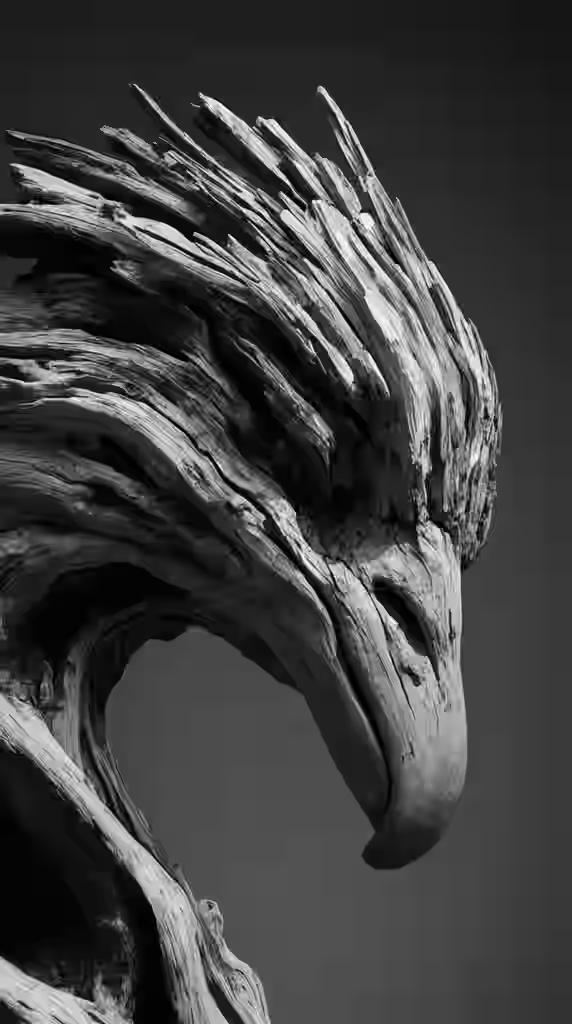
text → 3D
Describe an object, get a textured mesh.
Tripo H3.1, Meshy 7.1+2
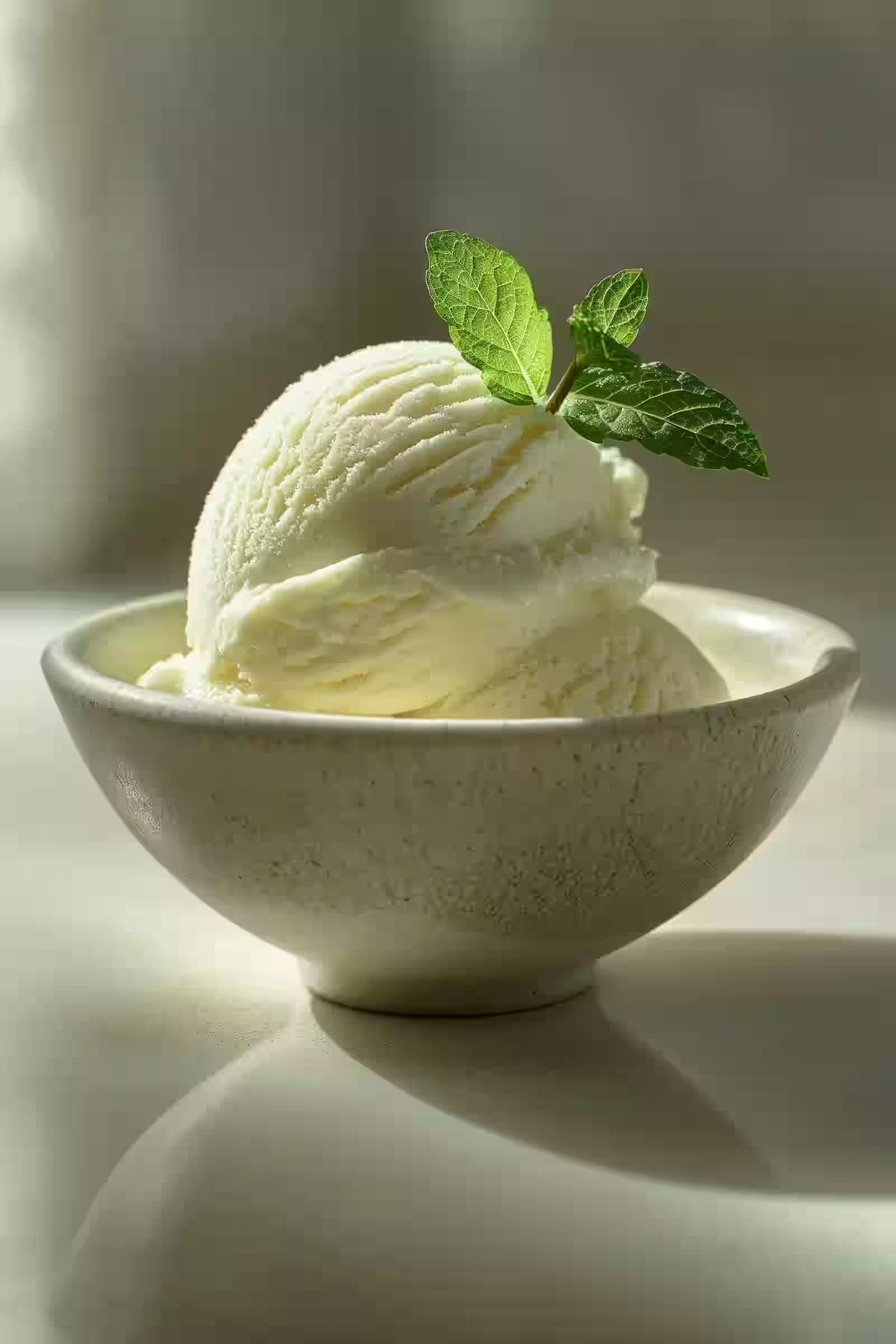
image → 3D
Turn a photo into a 3D model.
Tripo H3.1, Meshy 7.1+4
(02)Overviews
Prefer a map of every video or 3D path before you open a single tool? These hubs explain which input to bring, which models are live, and how credits work for that modality.
Overview · 4 tools · 6 models
Text, image, audio, and video-to-video tools with Wan, LTX, Kling, and VEED.
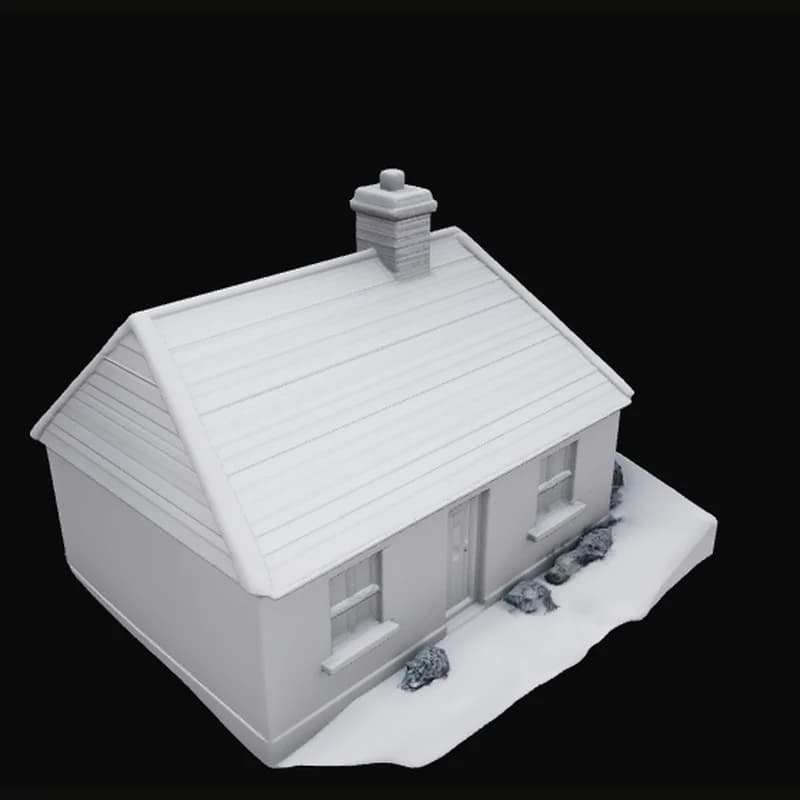
Overview · 2 tools · 6 models
Text-to-3D and image-to-3D with Tripo, Meshy, Hunyuan, Rodin, TripoSR, and TripoSplat.
(03)Tool index
Short version of what each tool is for, what it takes as input, and which models power it. Open a tool page for tips, tradeoffs, FAQ, and related tools. That is where the longer reading lives.
text → image
trendshiftlabs text-to-image provides a focused creation workspace for prompt-based image generation. Live models include Flux Schnell, Nano Banana Lite / Nano Banana / Nano Banana 2 / Nano Banana Pro, Grok Imagine, and GPT Image 2.5.
image → image
Image-to-image on trendshiftlabs lets you upload one or more references, write a transformation prompt, and generate new variants. Live editors include Seedream, Nano Banana / Nano Banana Lite, Flux Kontext / Flux 2 Pro, GPT Image 2.5 Edit, and Grok Imagine.
image → image
Remove Background on trendshiftlabs cleanly cuts subjects out of photos for compositing and reuse. Live tools include Ideogram Remove Background and Bria Background Remove.
image → image
Image Upscale on trendshiftlabs enlarges and sharpens images while preserving the original. Live tools include Clarity Upscaler and Topaz Upscale.
text → video
Text-to-video on trendshiftlabs turns written prompts into short clips. Wan 2.2 A14B and Wan 2.7 are available after sign-in. Wan 2.7 supports optional driving audio uploads.
image → video
Image-to-video on trendshiftlabs animates a reference frame with a motion prompt. Wan 2.2 A14B and Wan 2.7 are available in the studio. Wan 2.7 also supports source video continuation and optional audio.
audio → video
Audio-to-video on trendshiftlabs turns an audio track (2–20 seconds) into a synchronized video using LTX 2.3. Provide a prompt, an optional first-frame image, or both to guide the visuals. Available in the studio after sign-in.
video → video
Video-to-video on trendshiftlabs covers Kling Motion Control (Standard and Pro) for transferring movements from a reference video onto a character image, and VEED Lipsync for remapping lip movements to a new audio track. Available in the studio after sign-in.
text → 3D
Text-to-3D turns a short description into a textured 3D asset you can preview in the browser and download. Pick Tripo H3.1, Meshy 7.1, Hunyuan 3D Pro, or Hyper3D Rodin in the studio. Sign in and subscribe to generate; outputs save to your gallery.
image → 3D
Image-to-3D reconstructs a 3D asset from a photo or product shot. Live generators include Tripo H3.1, Meshy 7.1 (plus a multi-image version for up to 4 photos), Hunyuan 3D Pro (optional multi-view), Hyper3D Rodin, TripoSR, and TripoSplat for Gaussian splat scenes. Browse the app freely; generating spends plan credits.
(04)Why one studio
FAQ
The things people usually ask before their first generation. Anything else? Ask us.
No. Feature pages and studio apps are public to browse. Generating requires sign-in and a credit plan so jobs can bill against your balance.
No. Plain, everyday sentences work fine, for example "a red bicycle leaning against a brick wall in the rain." You can always add more detail later if you want to fine-tune a result.
If you are starting from nothing, Text to Image is the simplest entry point. If you already have a photo, video, or audio clip, open the matching tool below. For 3D, choose text-to-3D or image-to-3D based on whether you have a prompt or a reference photo.
Subject to the Terms of Service, outputs you generate are yours to download and use, including in commercial projects. Check /terms for the current wording. Outputs save to your personal gallery.
Yes. Sign in once and every tool, image, video, and 3D, saves to the same account and the same gallery, so your work stays in one place no matter which tool you used.
Start with what you have
Every app is open to browse without an account. When you want to generate, a plan adds the credits to your account.