About
One studio for turning words and filesinto images, video, and 3D.
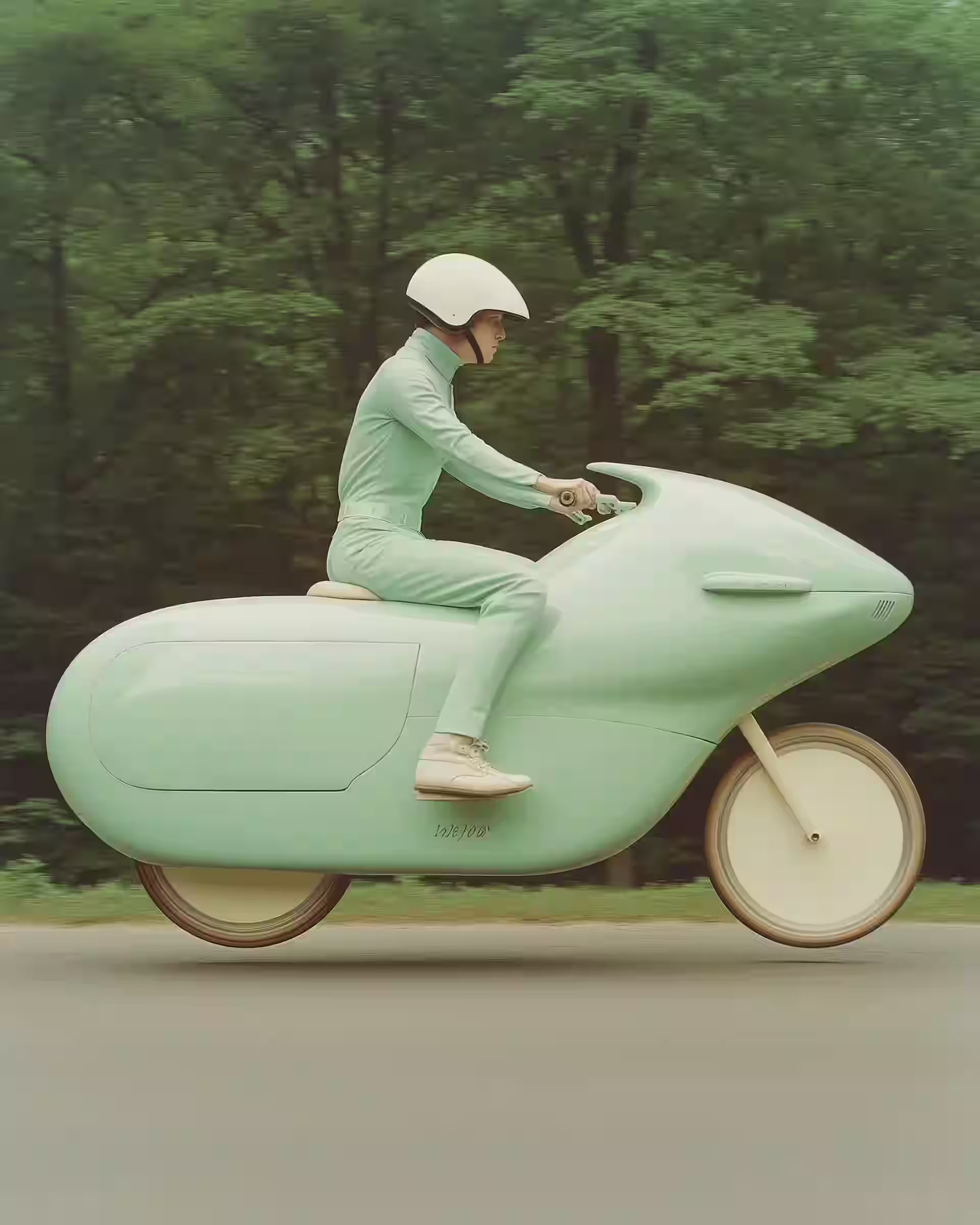 Image
Image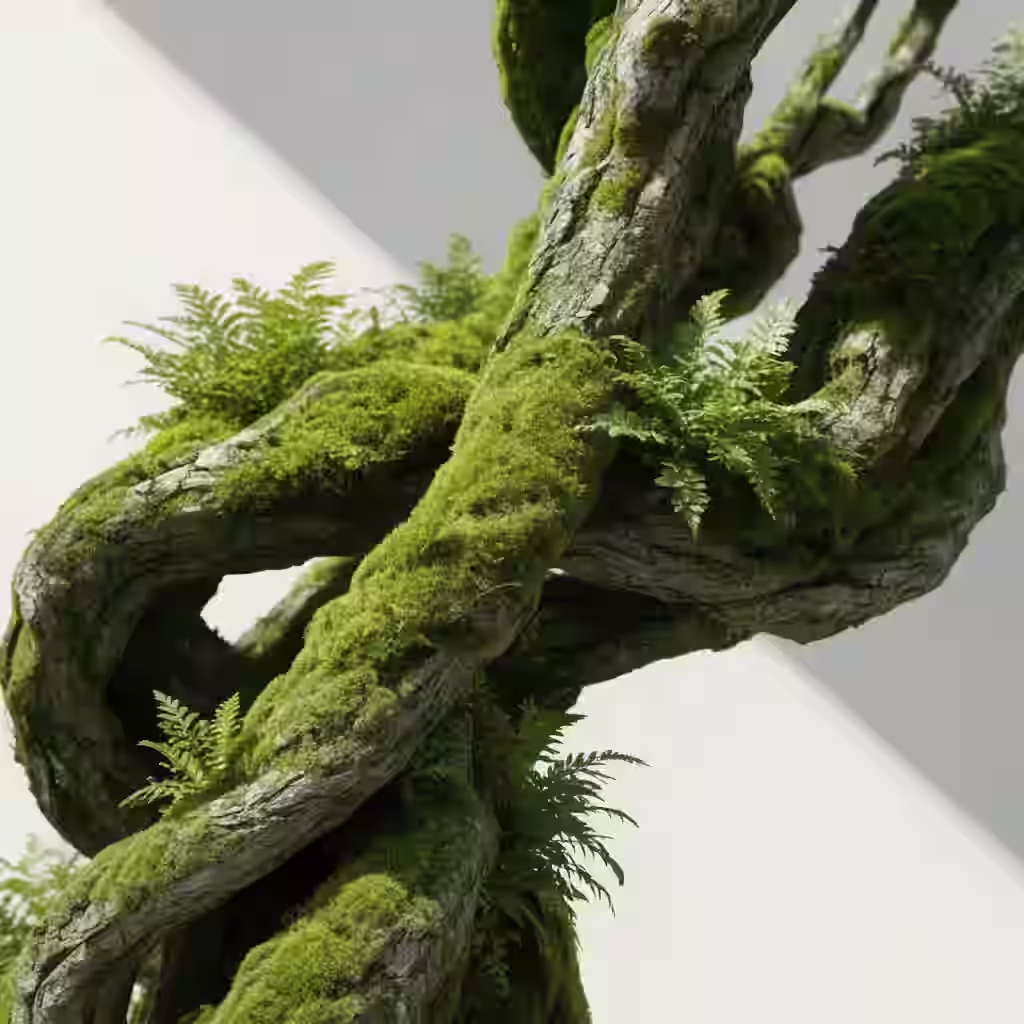 Image
Image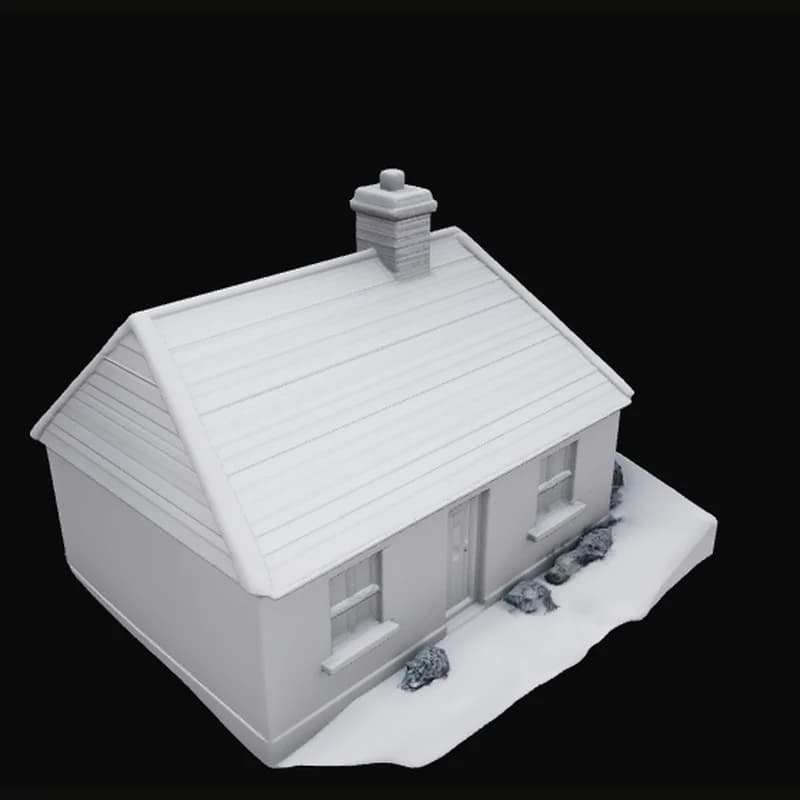 3D
3D(01)Story
Why we built it
Most people do not want five AI subscriptions. They want a picture, a short clip, or a mesh they can drop into the next slide, post, or scene. The usual path is still a scavenger hunt: one site for stills, another for video, another for 3D, each with its own account, credit system, and learning curve.
trendshiftlabs is our answer to that mess. One studio. One gallery. Tools that take a prompt or a file and hand back something you can download. Under the hood we route to models that are live here: Flux, Nano Banana, GPT Image, Wan, LTX, Kling, VEED, Tripo, Meshy, Hunyuan, and the rest listed on each feature page.
We do not pretend generation is free. Credits buy GPU time. Browse freely, subscribe when you are ready to run jobs, cancel at period end if it is not working for you. That is the deal we put on /pricing, and it is the deal we mean.
(02)Tools
What you can make here
The public feature list is the source of truth for what is live. Each card below opens a full page with how the tool works, which models it runs, and when you should pick something else instead.
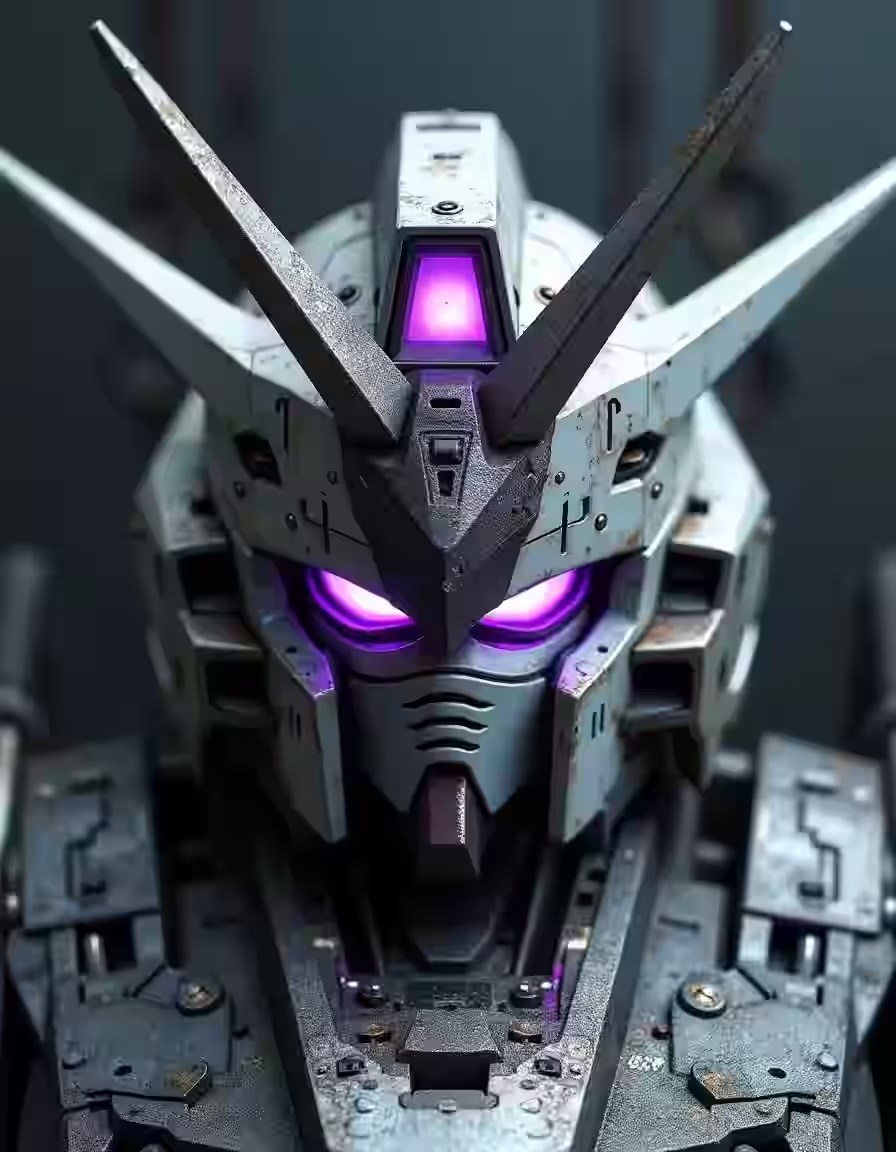 Text to ImageTurn prompts into images
 Image to ImageTransform existing images with AI
 Remove BackgroundErase image backgrounds automatically
 Image UpscaleUpscale and enhance images with AI
 Text to VideoGenerate short clips from prompts
 Image to VideoAnimate a source image into video
 Audio to VideoTurn audio into video
 Video to VideoTransform existing videos with AI
 Text to 3DDescribe an object, get a textured mesh
 Image to 3DTurn a photo into a 3D model
Prefer a map by modality? Start at the video hub or the 3D hub, then open the specific app when you know the input you have.
(03)Session
How a session usually goes
- 01
Pick a tool
Open /apps and pick the tool that matches your starting point: prompt, image, audio, or video.
- 02
Sign in to generate
Sign in when you want to generate. Checkout on /pricing attaches the plan and credit balance to your account.
- 03
Keep and reuse
Run the job, review the output, and keep what you like in the gallery. Reuse gallery assets in other tools without leaving the studio.
(04)Principles
How we think about the product
- Plain words in, real output out
- You should not need a prompt course to make something useful. Every tool is built to take a normal sentence or a file you already have.
- Current models, swapped as better ones ship
- We add and retire generators as the field moves. The studio stays one login away from the models worth running today, not a frozen catalog from last year.
- One studio, one gallery
- Image, video, and 3D share the same account. An image you like can become a video or a mesh without exporting through five websites.
- Credits you can see
- Plans grant a monthly credit balance. Spend shows up when you generate. There are no surprise per-model invoices after the fact.
- Browse before you buy
- Feature pages and studio apps are public to open. Generating needs a plan so jobs can bill against your balance. That split is intentional.
(05)Limits
What we are not
We are not a chat app with a side of images, and there is no pretend unlimited-free-generations pitch. Generating costs credits, and the pricing page says exactly how many you get.
Questions about billing or a feature go to /contact.