Image tool · Live in the studio
AI Text to Image Generator
Get the picture in your head, out of your head.
Write a sentence, pick a model, and get images back in seconds. No settings maze. Name the subject, the place, and a couple of details, then generate a few options and keep the best in your gallery.
No sign-in needed to look around the studio. Or try the simple ai image generator with multiple models page.

Text to Image
- Input
- Text
- Output
- Image
- Live models
- 8
- AI labs
- 4
(01)What it does
A simple way to make images
Text to Image is the starting point of the studio. You describe, it draws. Everything you make is saved to your gallery.
trendshiftlabs text-to-image provides a focused creation workspace for prompt-based image generation. Live models include Flux Schnell, Nano Banana Lite / Nano Banana / Nano Banana 2 / Nano Banana Pro, Grok Imagine, and GPT Image 2.5.
You can open the studio app and look around without signing in. Generating spends monthly credits on a Starter, Creator, or Pro plan. Outputs save to your gallery so you can reuse them in other tools.
Who it's for
Who text-to-image is for
Use text-to-image when you need a picture that does not exist yet: a product that is still a sketch, a scene you cannot shoot, a character sheet, a moodboard frame, or a placeholder for a deck. It is the default entry point of the studio because the only input is language.
If you already have a photo you like and only want a change, open image-to-image instead. If you need transparency, use remove background. If the file is soft or small, upscale it. Text-to-image is for inventing the frame, not repairing one you already shot.
- Start with plain words
- You don't need prompt engineering. 'A red brick cafe on a rainy evening' is enough to get going.
- Pick the right model
- Flux is fast, Nano Banana is great with people, GPT Image follows instructions closely. Try a few, keep a favorite.
- Make more than one
- Generate several options in one run and pick the best. Nothing gets lost, every result lands in your gallery.
- Use it anywhere
- Download in full quality for posts, decks, and mockups, or use an image as the starting point for video and 3D.
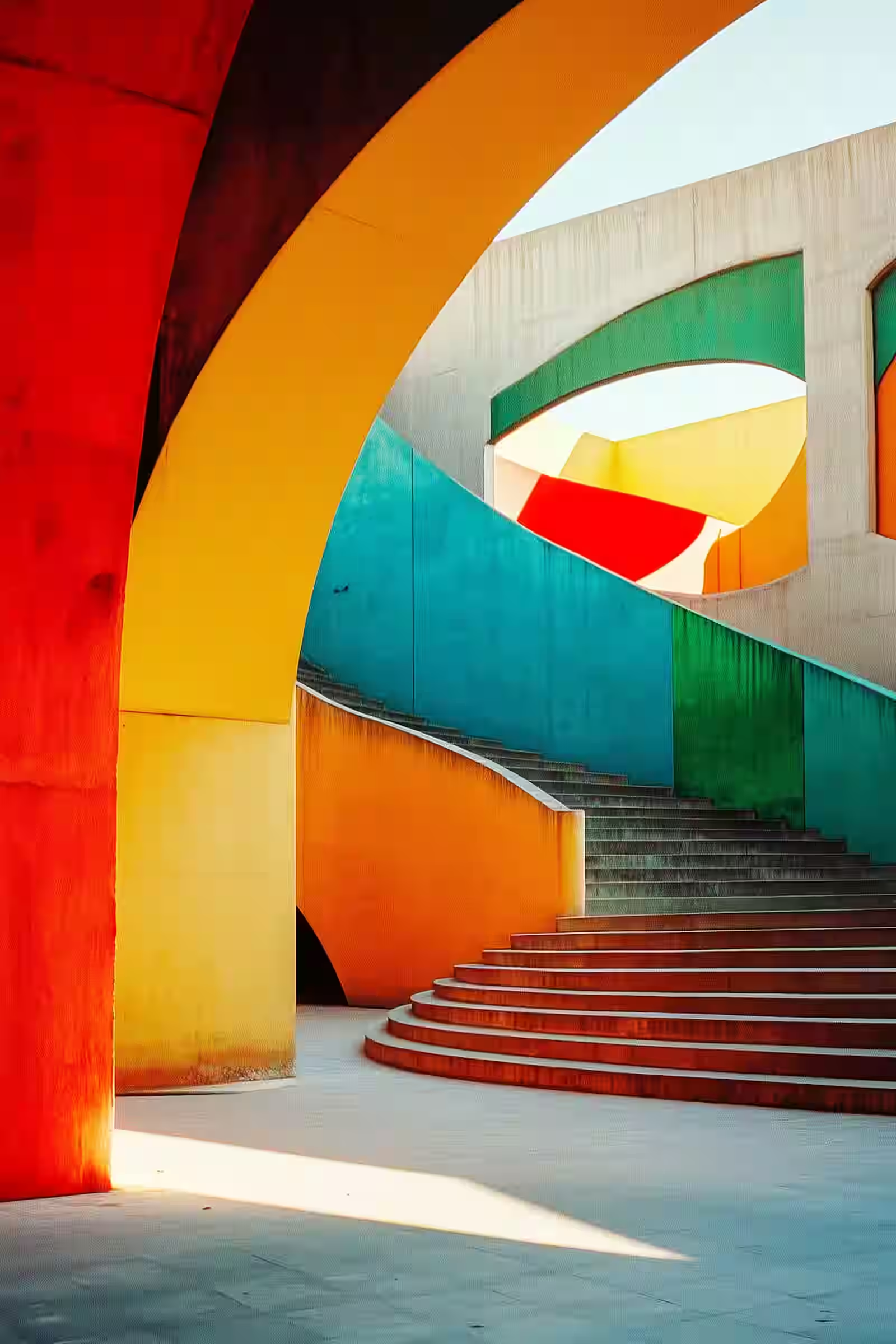
(02)How it works
How you use it
Type it
Describe the image in plain language.
Pick a model
Each one has its own strengths.
Keep the best
Generate again until it feels right.
(03)Models
What it runs on.Eight live models from four labs.
Every model listed here is live in the studio today. Switch between them in the composer; each one reads a prompt a little differently.
- Black Forest Labs
- Flux Schnell
- Google
- Nano Banana Lite
- Nano Banana
- Nano Banana 2
- Nano Banana Pro
- xAI
- Grok Imagine
- OpenAI
- GPT Image 2.5 Flare
- GPT Image 2.5 Sunburst
(04)Guide
How to get a usable first pass
Name the subject, the setting, and one or two constraints. "A red bicycle against a wet brick wall at dusk, soft street light, shallow depth of field" beats "cool bike photo." Style words help when you mean them: product shot, editorial portrait, isometric game prop. Skip stacked adjectives that fight each other.
Generate more than one option when the idea is still loose. Pick a winner, then either regenerate with a tighter prompt or send that image into image-to-image for a targeted edit. Credits are spent on each run, so tighten the prompt once you know what you are chasing.
Practical tips
- Put the main subject first in the sentence.
- Add lighting and camera language only when it changes the look.
- If faces look off, try Nano Banana. If you need fast drafts, try Flux Schnell. If instructions must stick, try GPT Image 2.5.
- Save keepers to the gallery before you overwrite the prompt.
Know before you spend
What it costs you to know
Text-to-image invents. It will not faithfully reconstruct a specific real person or logo from a vague description. Brand marks, tiny text, and exact product geometry often need a reference image or a later edit pass.
Every generation spends credits. Cheap models are good for exploring. More expensive models are better when you already know the look and care about instruction following. Browse the app free; generating needs a plan.
(05)Use cases
If you can describe it, you can make it
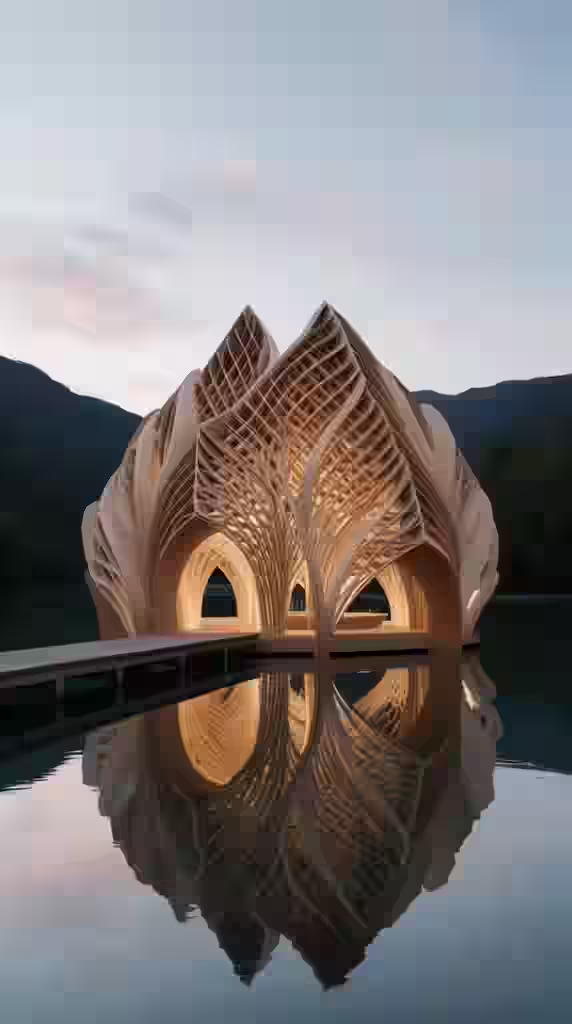
Scenes that don't exist
Places you can't photograph, in any style you like.
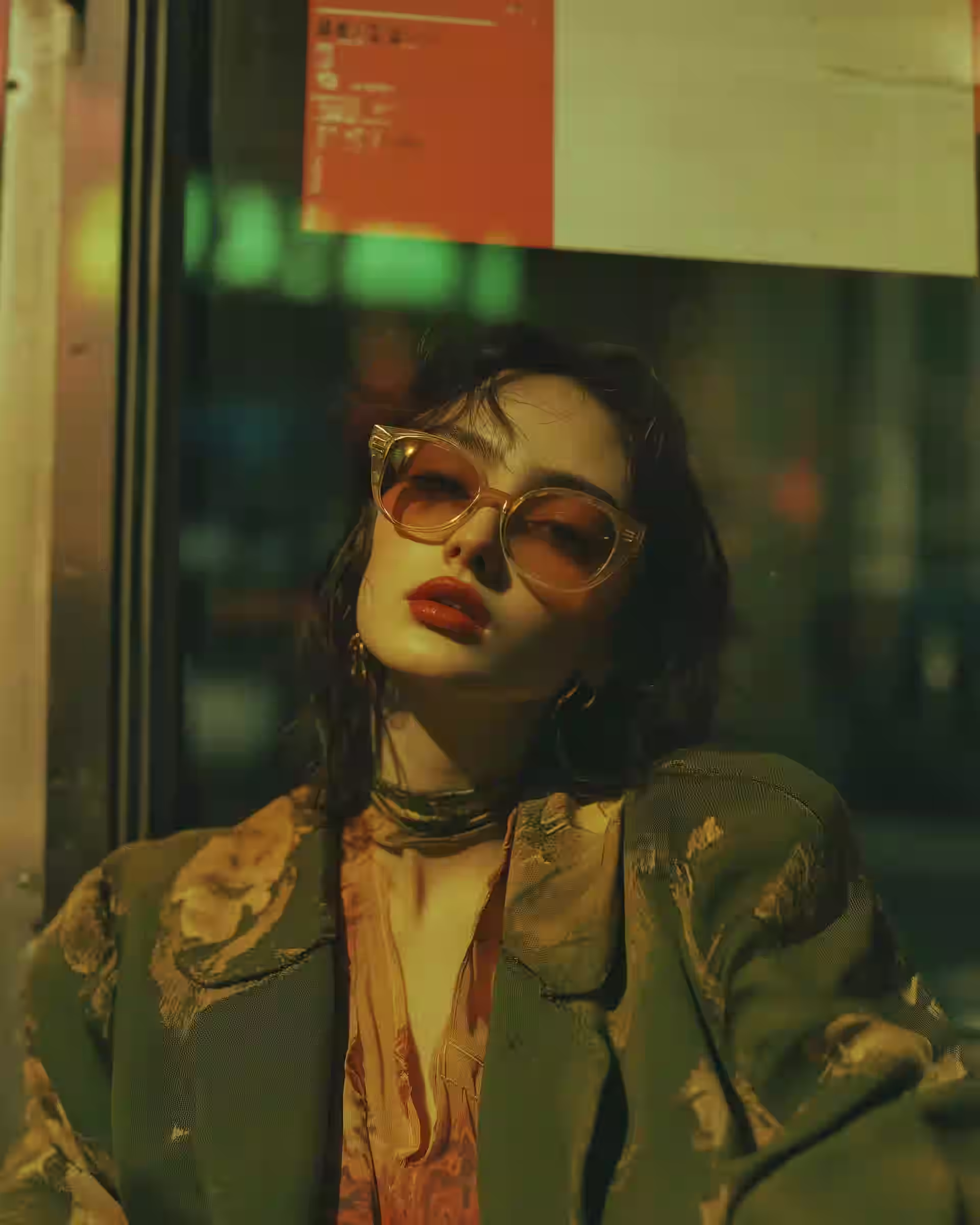
Characters and portraits
People, moods, and lighting, all from a description.
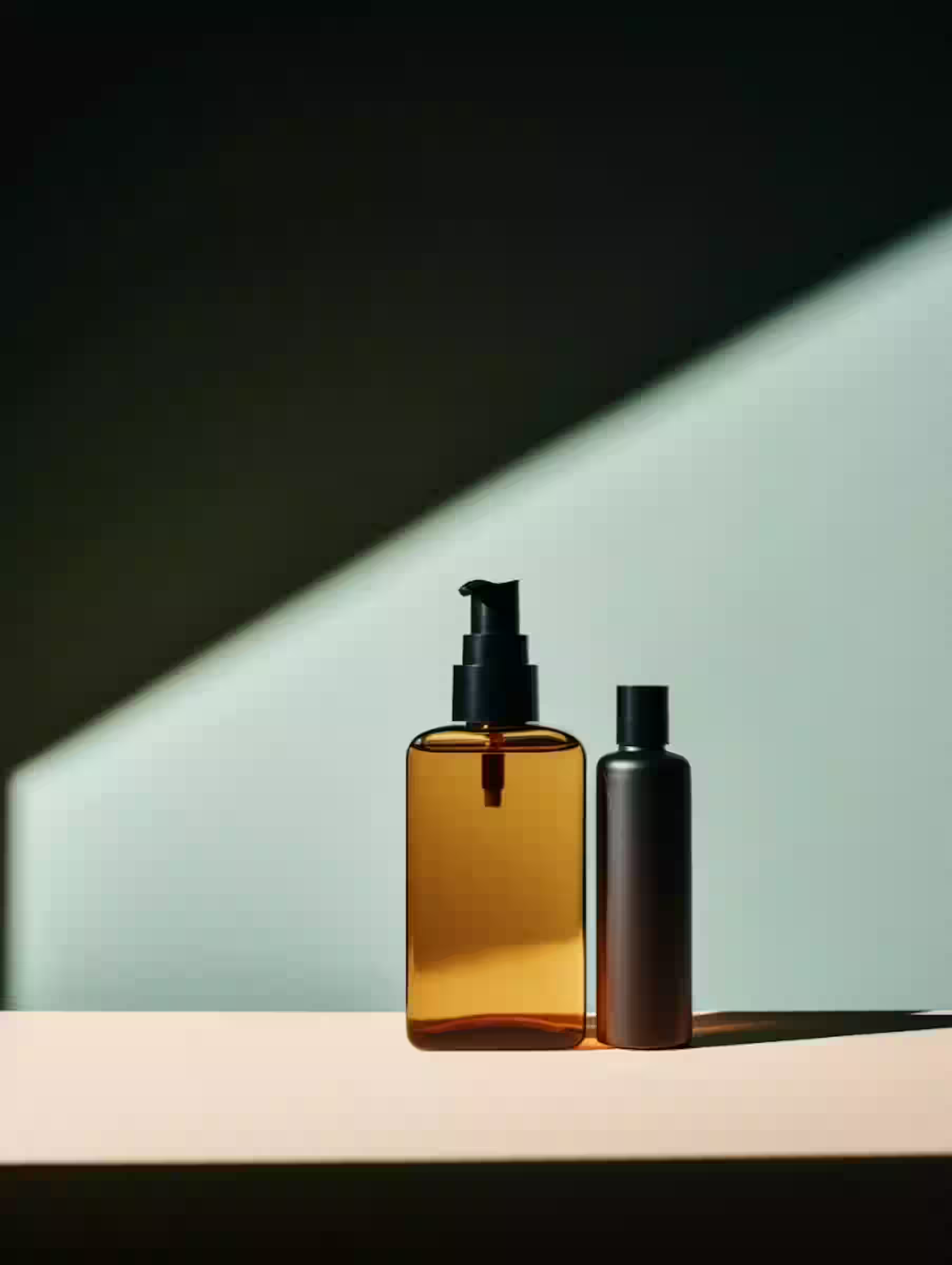
Product shots without a studio
Clean backdrops and hero angles, no camera involved.
FAQ
Questions about Text to Image
The things people usually ask before their first generation. Anything else? Ask us.
No. A clear subject, place, and a couple of details is enough to start. Fancy prompt templates help only when you already know which levers matter for your style.
Start with Flux Schnell when you want speed, Nano Banana when people matter, and GPT Image 2.5 when the prompt is picky. Keep a favorite after two or three runs instead of switching every time.
Yes. Gallery images can feed image-to-video or image-to-3D. That is usually cheaper than regenerating the whole idea from scratch in another tool.
Text to Image
Your first image is a sentence away.
Open the studio and look around without signing in. Generating spends credits from a Starter, Creator, or Pro plan, and every result lands in your gallery.