Live video tools
AI Video Generator
Text, image, audio, and video tools.
trendshiftlabs video generation covers text-to-video and image-to-video with Wan, audio-to-video with LTX 2.3, and video-to-video with Kling Motion Control and VEED Lipsync. Browse the studio freely; generating spends credits on a Starter, Creator, or Pro plan.
Pick the tool that matches the file or prompt you already have. Each card below opens a longer guide with tips, tradeoffs, and related tools. Browse free. Generating spends monthly credits.
(01)Tools
Four ways into video.Start from what you have.
Each tool has its own feature page and a matching studio app. Open any app without signing in. Pick a plan when you are ready to spend credits on a generation.

text → video
Text to Video
Write a prompt and get a short clip. Wan 2.7 also accepts optional driving audio.
Runs on (2)
- Wan 2.2
- Wan 2.7

image → video
Image to Video
Animate a still frame. Wan 2.7 supports end frames, continuation, and audio.
Runs on (2)
- Wan 2.2
- Wan 2.7
audio → video
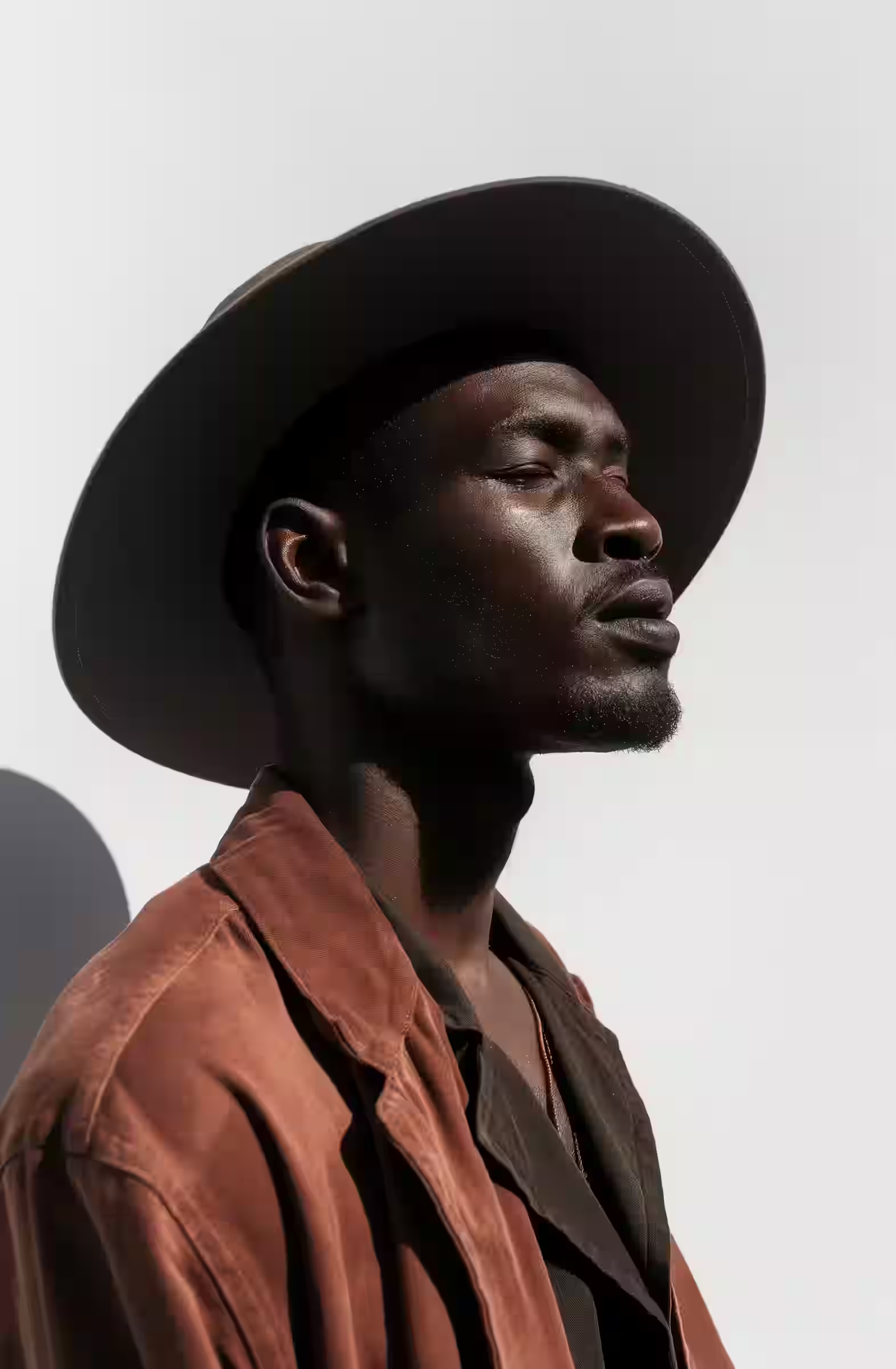
Audio to Video
Let a soundtrack drive the motion. Optional first-frame image or prompt.
Runs on (1)
- LTX 2.3
video → video
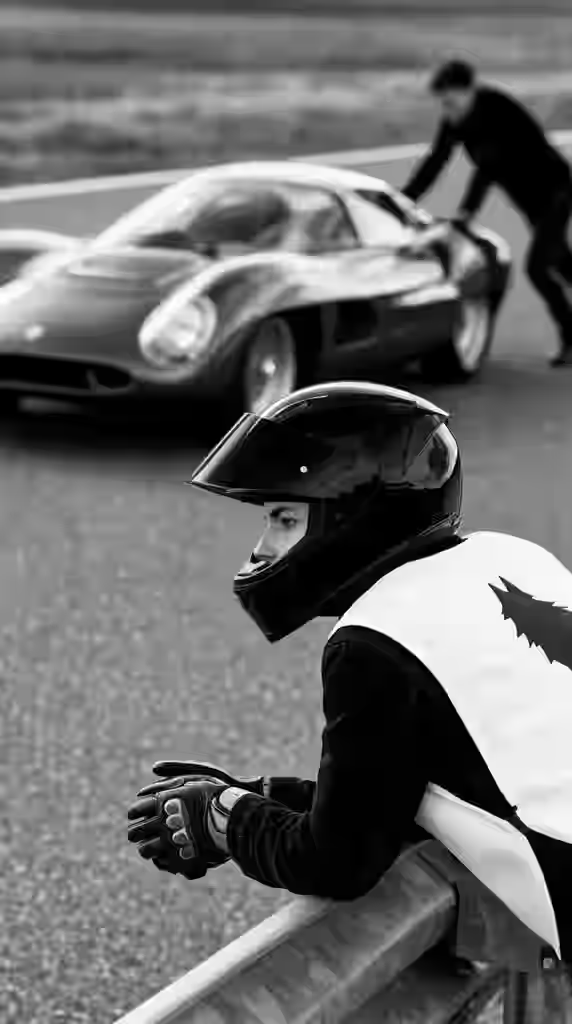
Video to Video
Retarget motion onto a character, or relip existing footage to new audio.
Runs on (3)
- Kling Motion Control Standard
- Kling Motion Control Pro
- VEED Lipsync
(02)Which tool
Which tool should you open?
Start with text-to-video when you only have a description. Use image-to-video when you already like a frame and want motion. Audio-to-video is for music or dialogue-led clips. Video-to-video is for motion control or lipsync on footage you already shot. If you are still choosing between stills and motion, generate a keyframe in text-to-image first, then animate it. That path usually wastes fewer credits than rewriting a long video prompt from scratch.
| You have | Open |
|---|---|
| Only a descriptionWrite the scene and get a short clip. | Text to Video |
| A still frame you likeKeep the frame, add the motion. | Image to Video |
| Music or dialogueThe track drives the clip. A first frame or prompt steers the look. | Audio to Video |
| Footage you already shotMotion control onto a character, or lipsync to new audio. | Video to Video |
| Not sure yet: still or motionMake a keyframe first, then animate it. Usually cheaper than rewriting a long video prompt. | Text to Image |
(03)Models
Models in this hub
Live generators you can pick in the studio today. 8 models from 4 labs.
Kling
- Kling Motion Control Standard
- Kling Motion Control Pro
Lightricks
- LTX 2.3 Audio to Video
Alibaba
- Wan 2.2 Text to Video
- Wan 2.7 Text to Video
- Wan 2.2 Image to Video
- Wan 2.7 Image to Video
VEED
- VEED Lipsync
(04)Notes
Habits that save credits
Keep the first video prompts short: one subject, one camera move, one action. Watch the full clip before you download. Soft source images make soft video, so upscale a weak still before image-to-video when pixels are the problem. For lipsync and motion control, clean driver footage beats fancy settings.
(05)Access
Credits and access
Studio pages are public to browse. Generating spends credits from a Starter, Creator, or Pro plan. Sign in before checkout so the subscription and credit balance attach to your account. Video jobs usually cost more than stills, so treat early runs as tests with a clear goal.
- Browse
- Free
- Every app and page, no account needed.
- Generate
- Credits
- Spent per job from a Starter, Creator, or Pro plan.
- Outputs
- Gallery
- Saved to your account next to every other tool's work.
Ready when you are
Open the video tools and try one.
Browse the apps first. When you want to generate, pick a plan on pricing so credits land on your account.